 Atelier
Media kit
Logos, app icons, banners, screenshots and the mascot, with a light, a dark and a transparent version of everything you would put on a page. Free to use when you write about Atelier.
The brand kit has the logos, icons and Pip; banners and screenshots are their own downloadscontact@atelierhq.dev
Logos
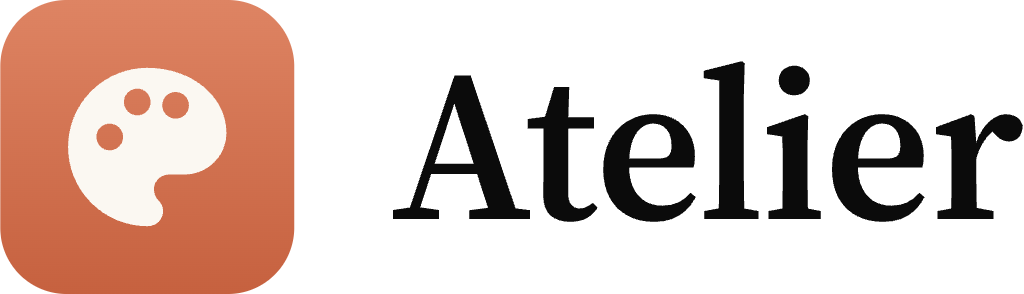
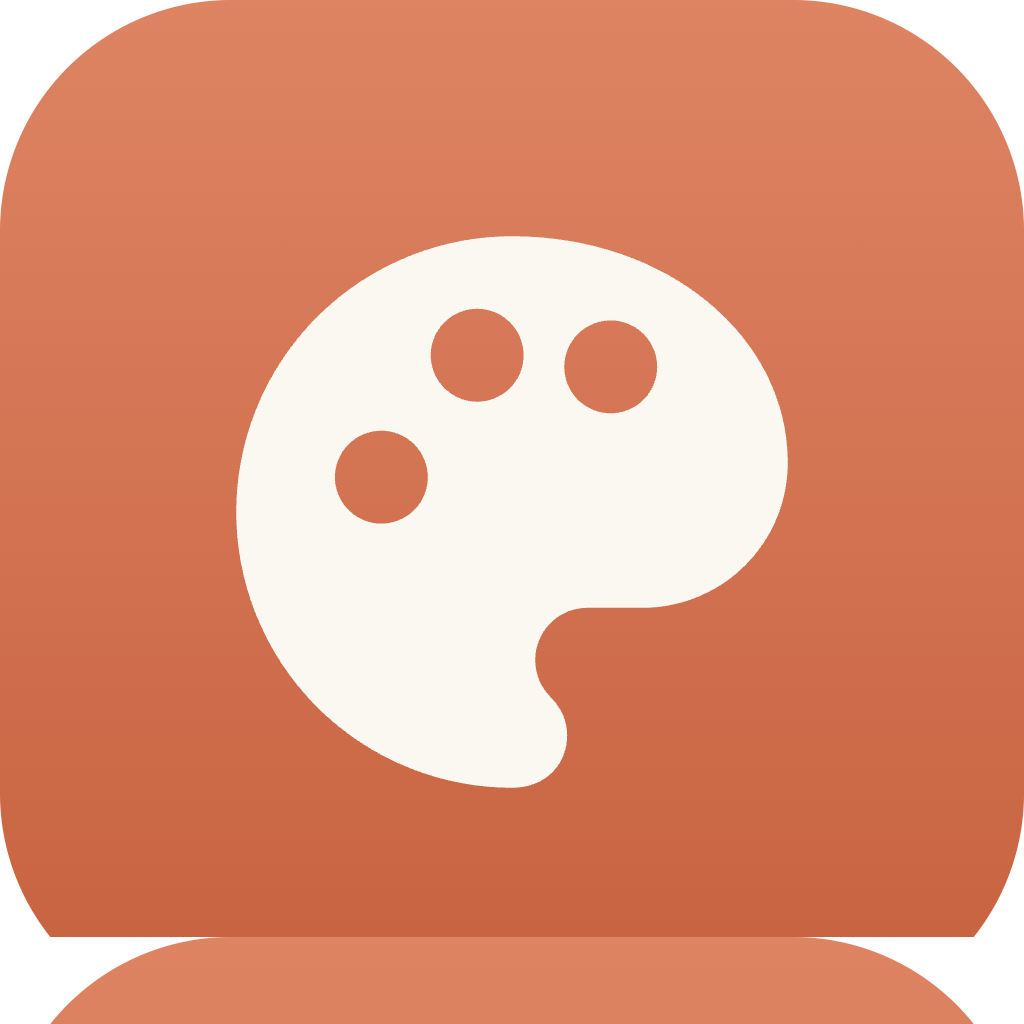
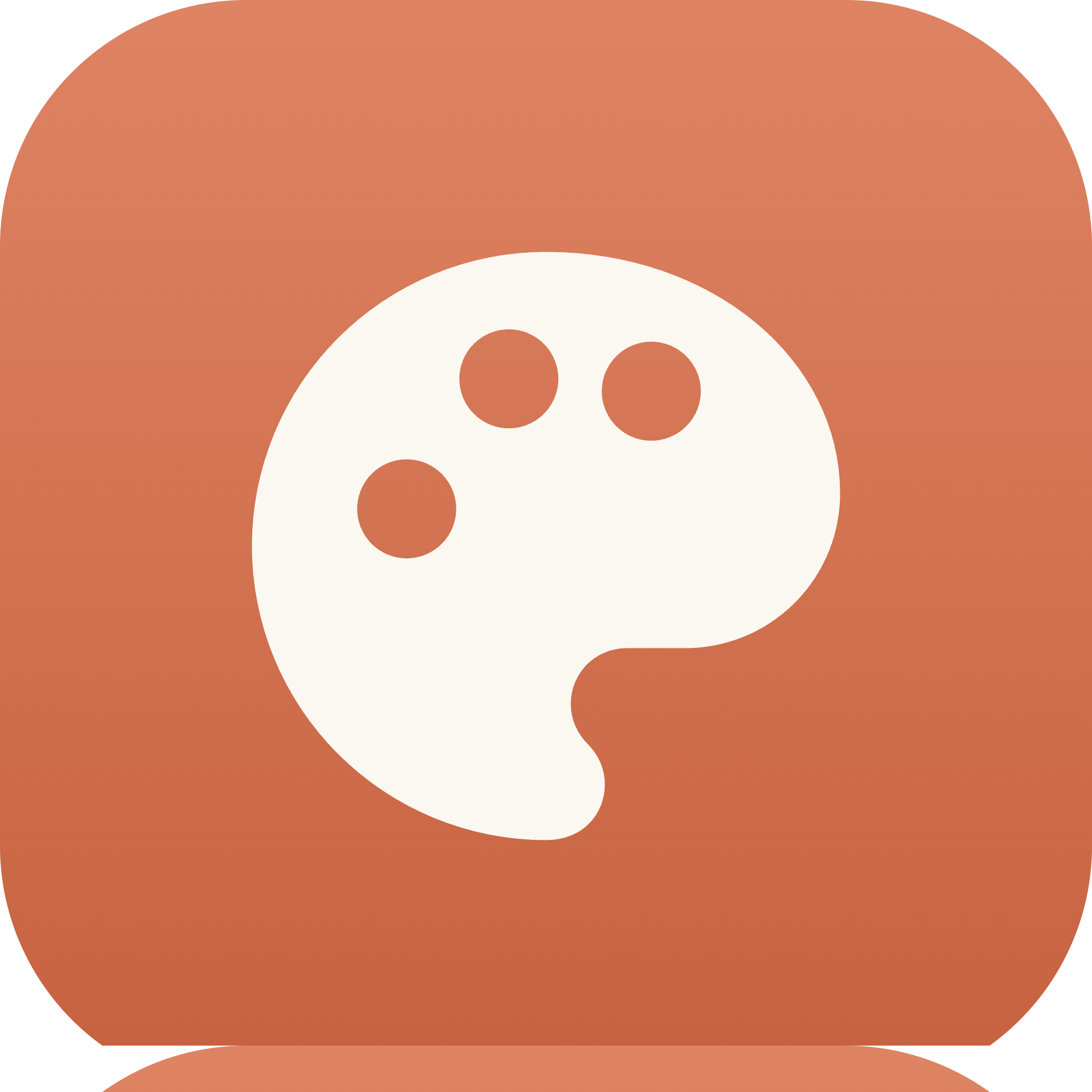
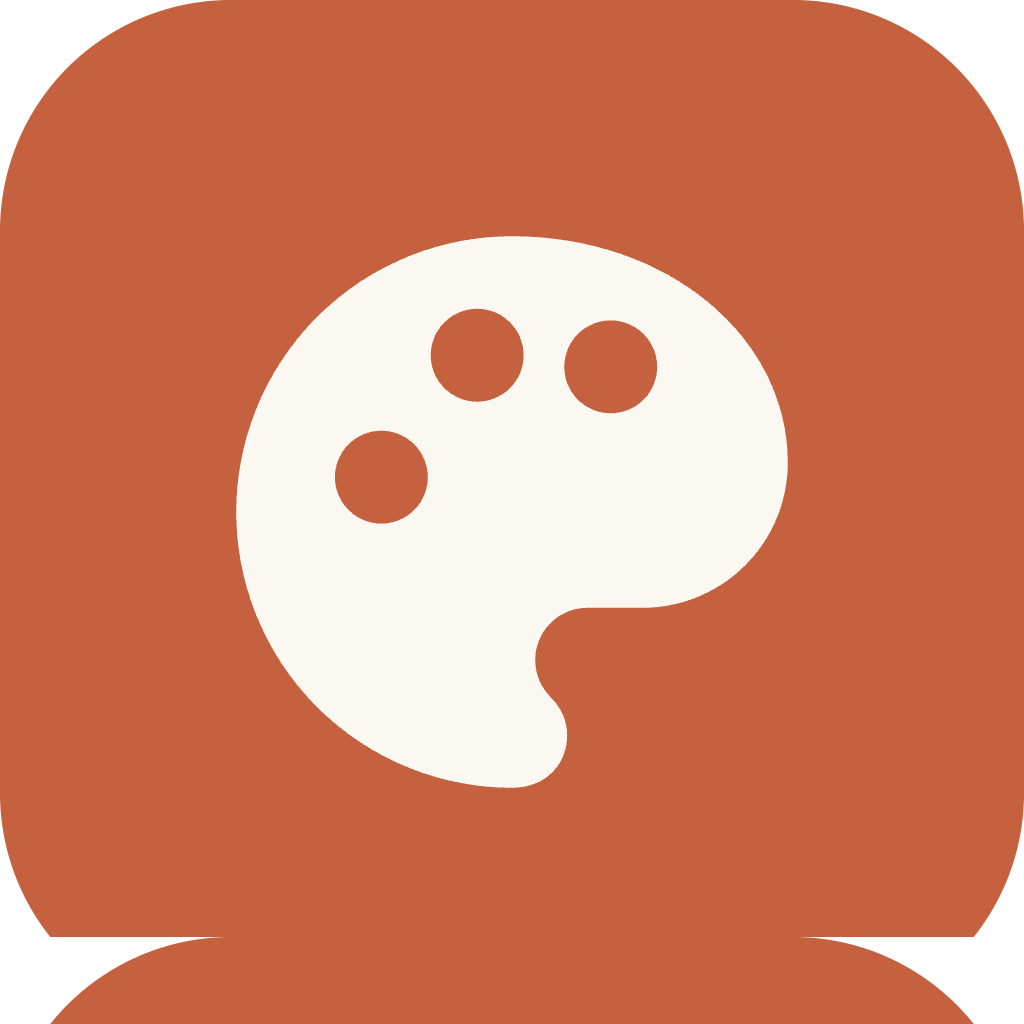
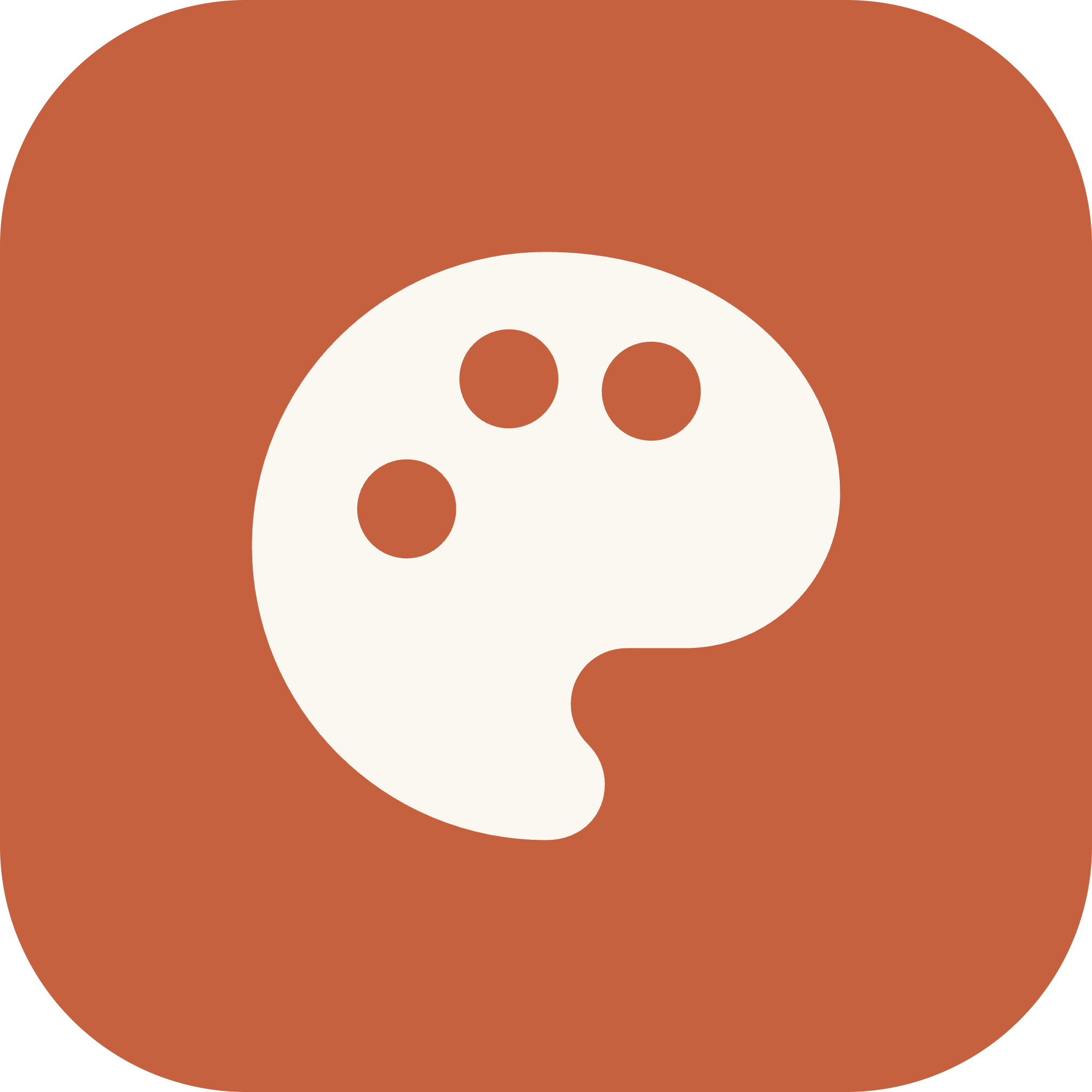
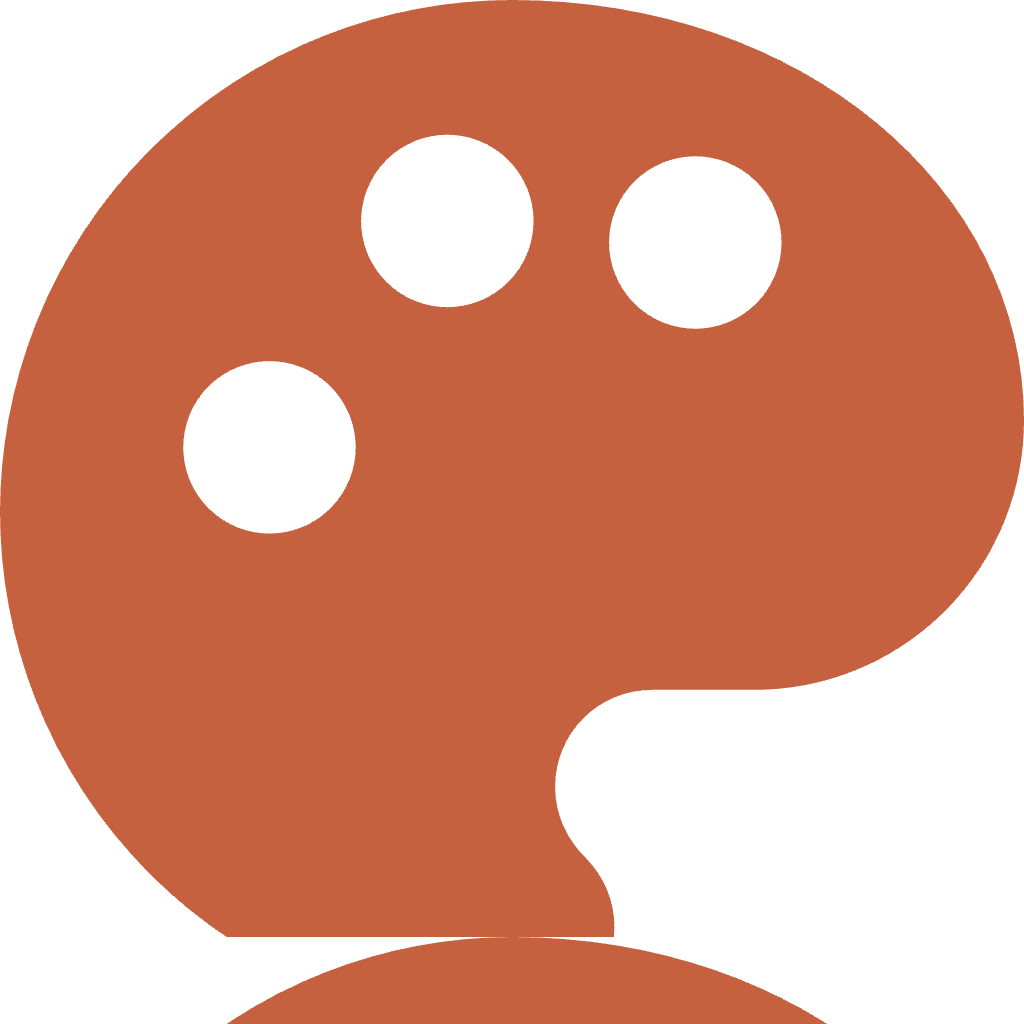
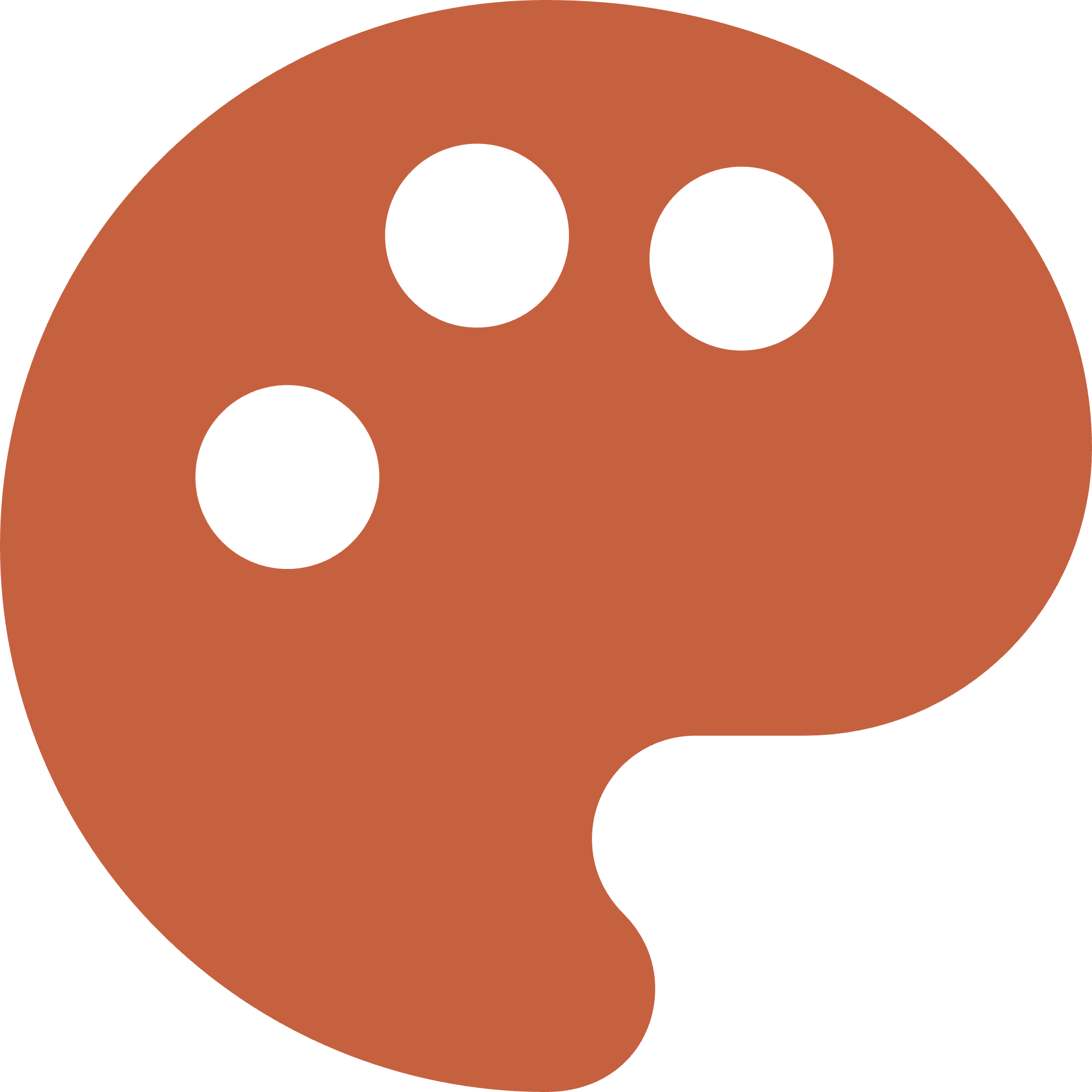
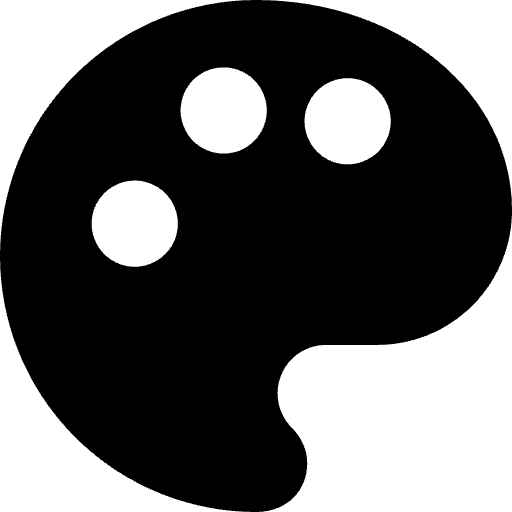
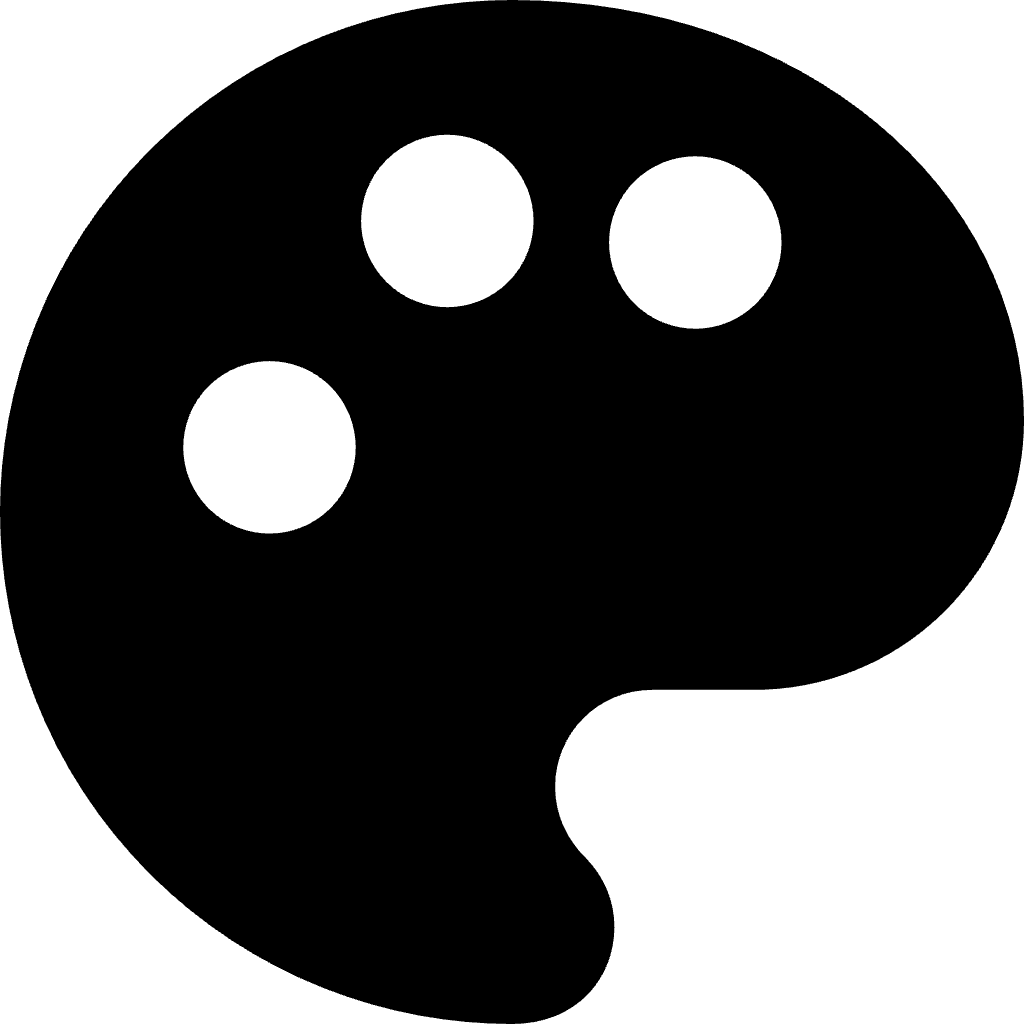
The tile is the app icon: a cream palette on clay. The word is Source Serif 4, drawn as outlines, so the files need no font. Every logo is an SVG and a transparent PNG at 512, 1024 and 2048 pixels wide.
Horizontal






Stacked




Wordmark




Tile








Palette alone






App icons
The icon as each platform wants it: with and without rounded corners, the system's own grid, dark and tinted for iPhone and iPad, Android's adaptive layers, and the ready-made .ico and .icns.









Banners and social images
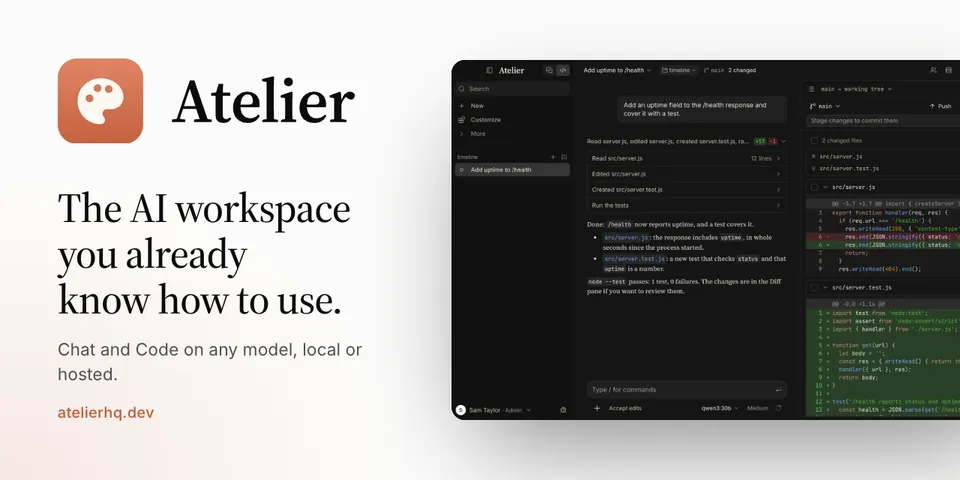
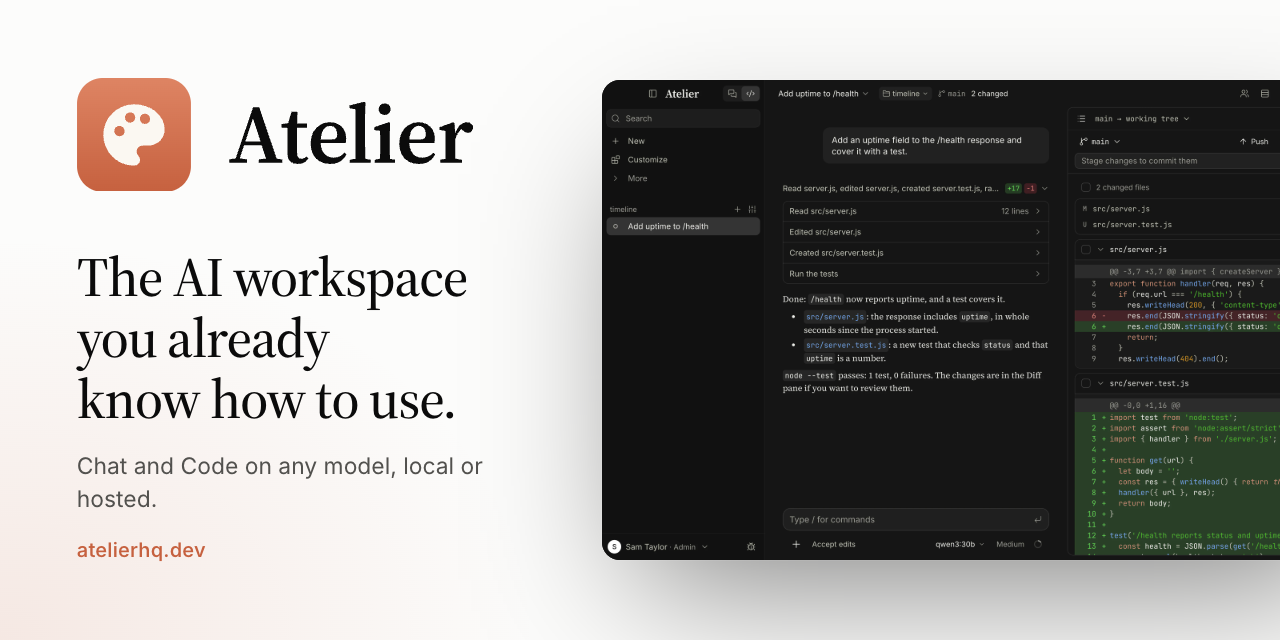
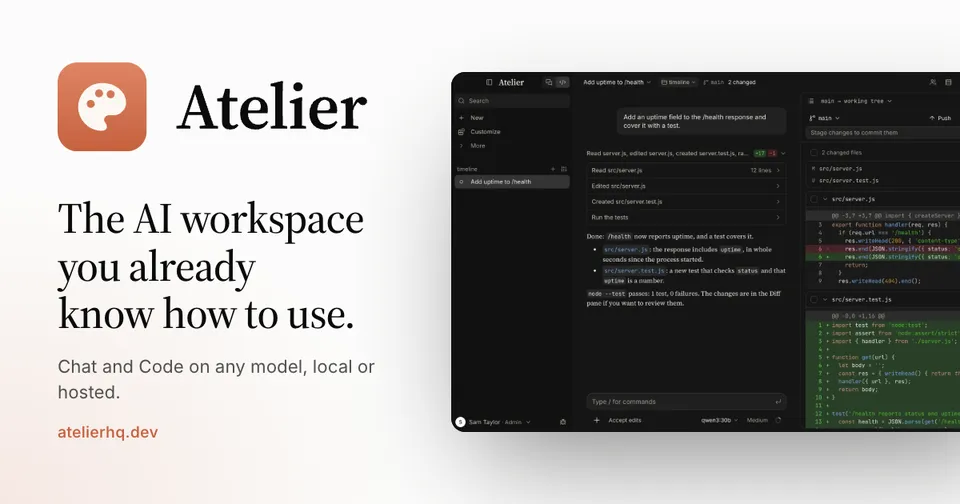
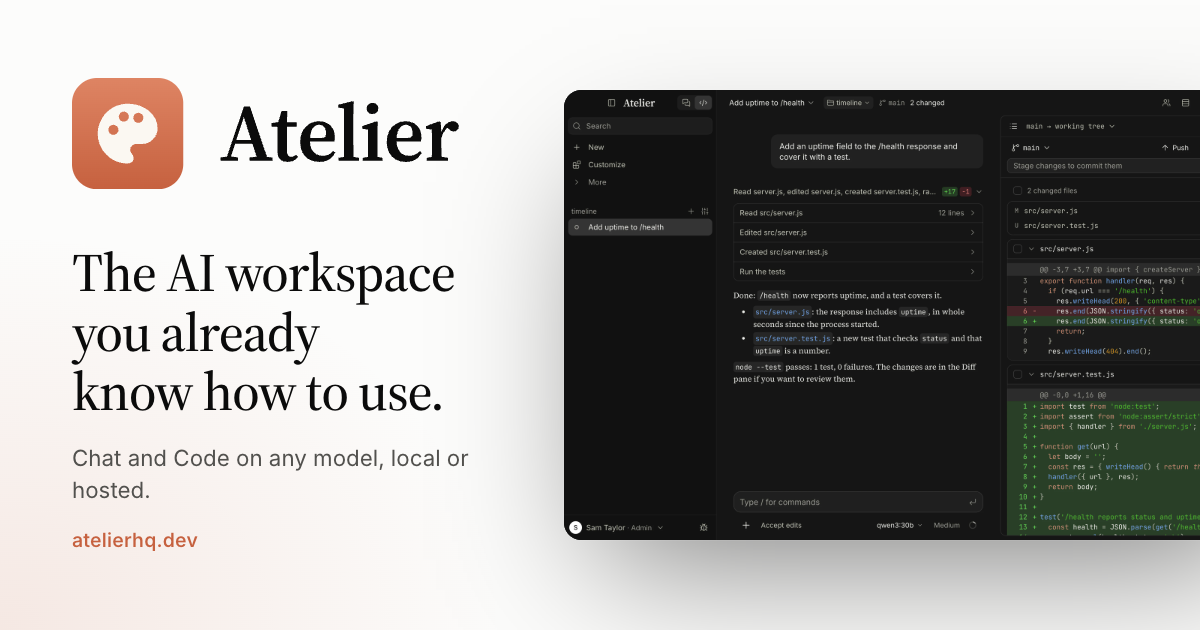
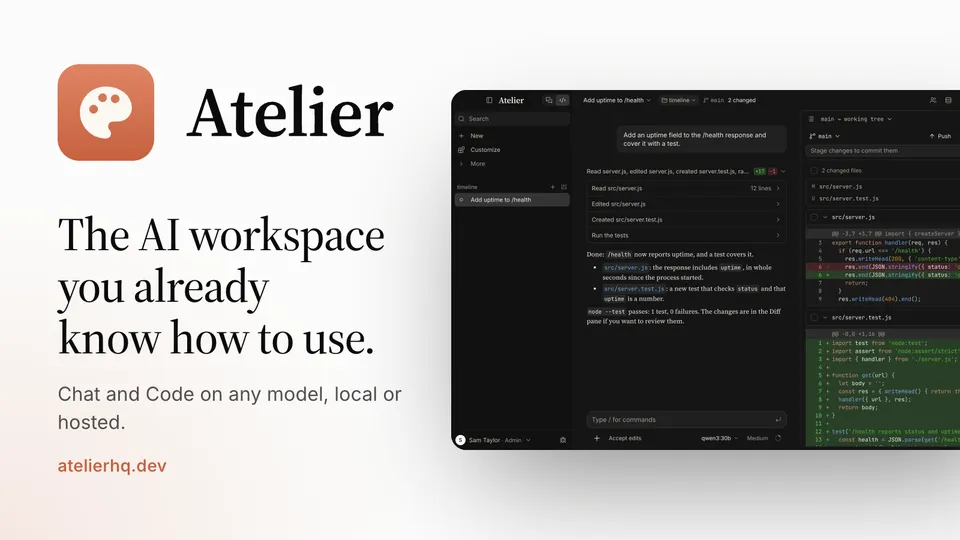
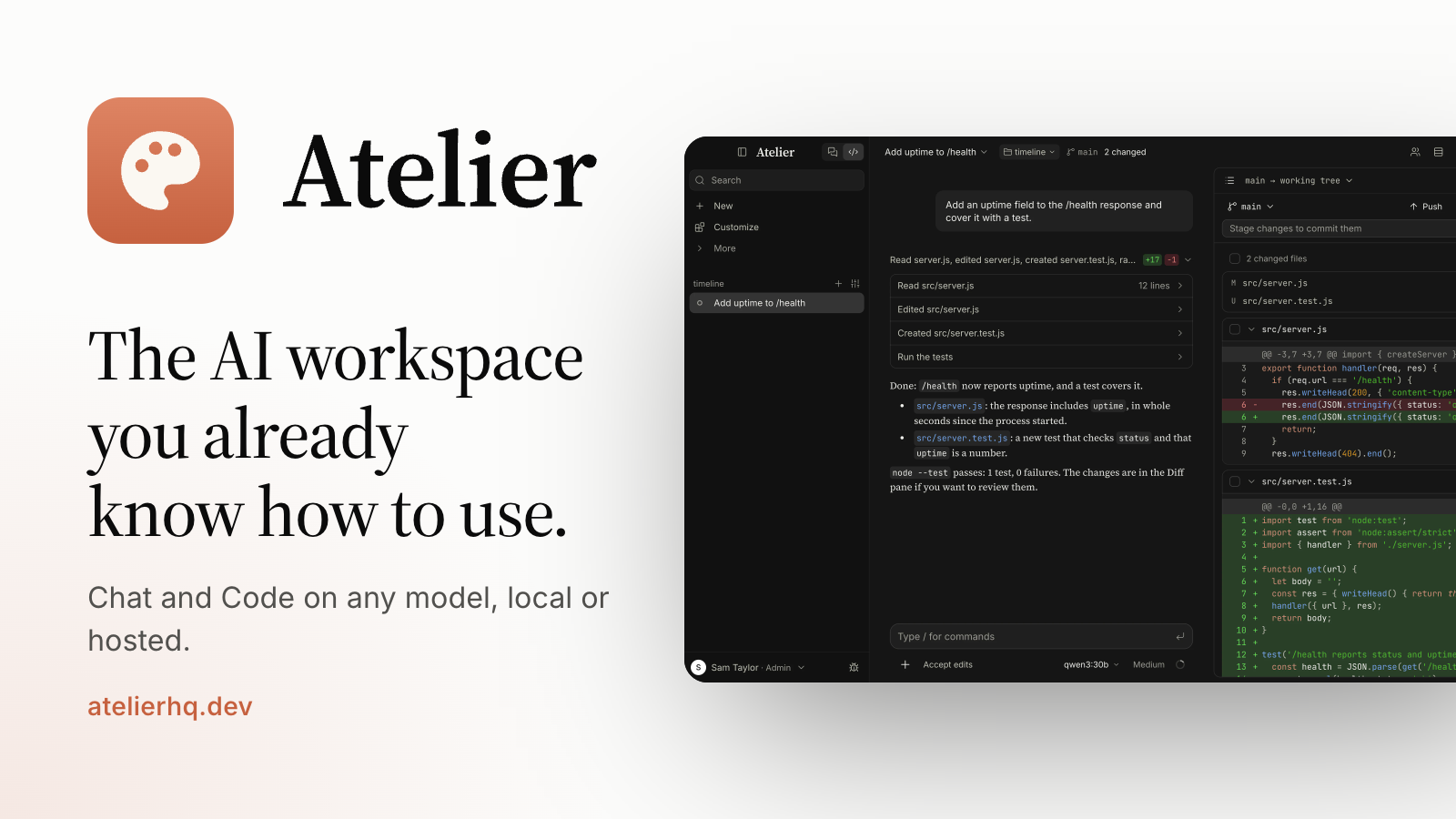
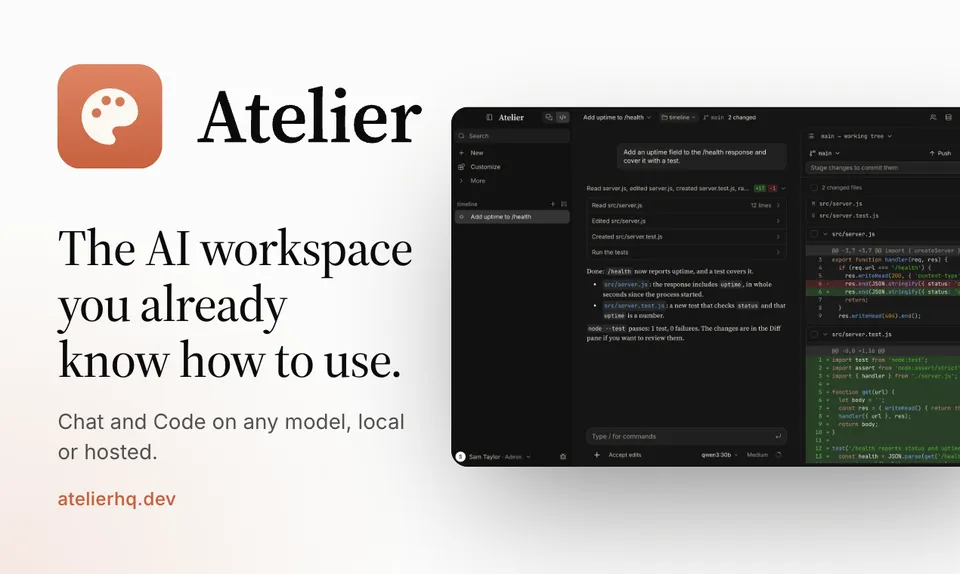
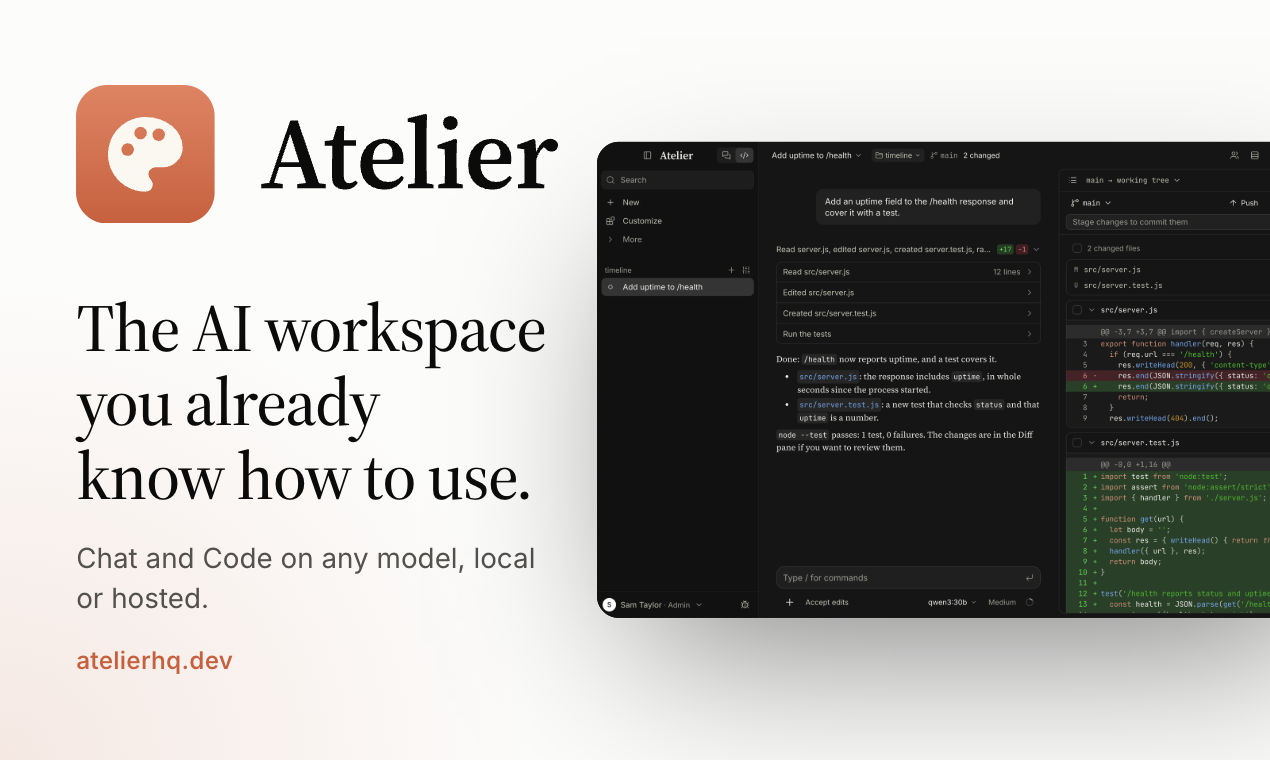
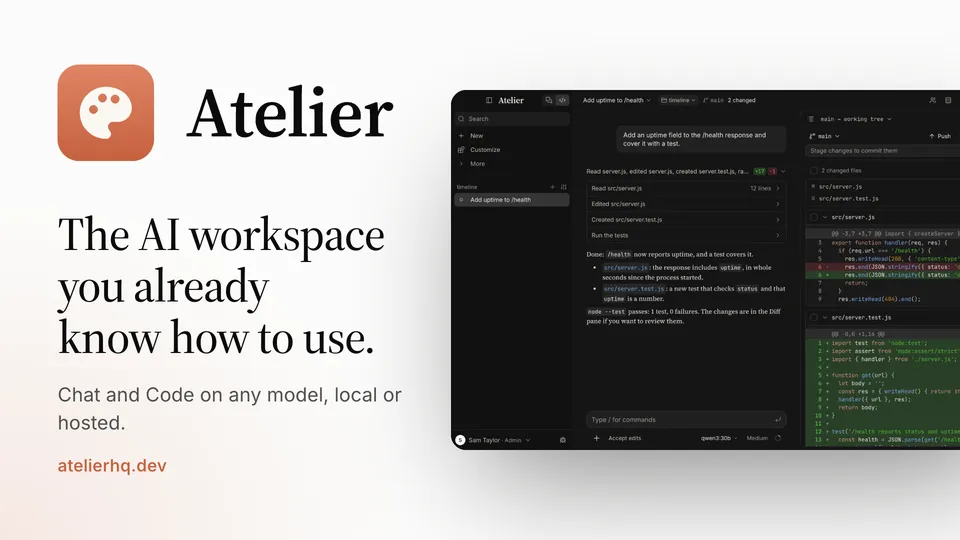
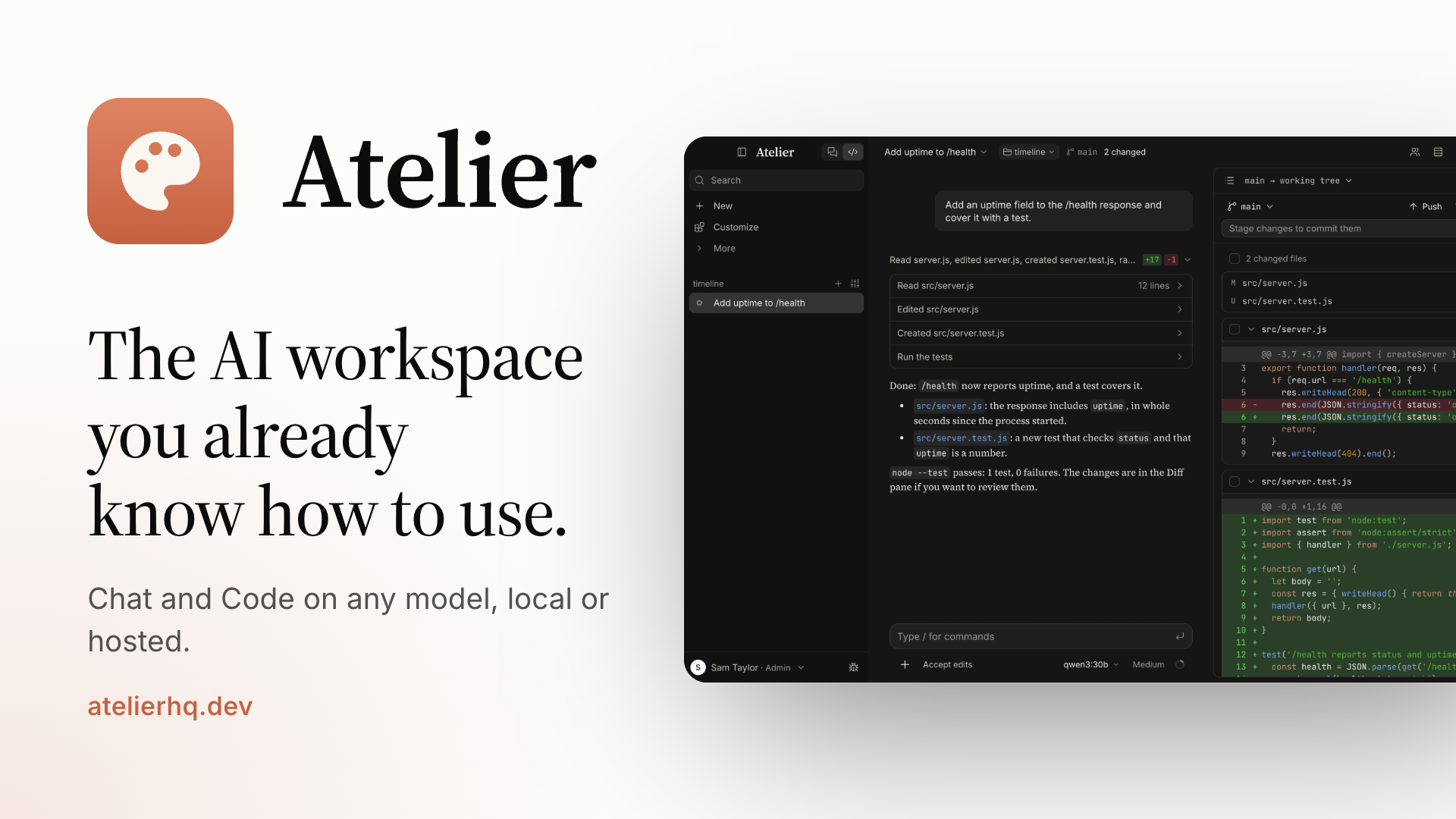
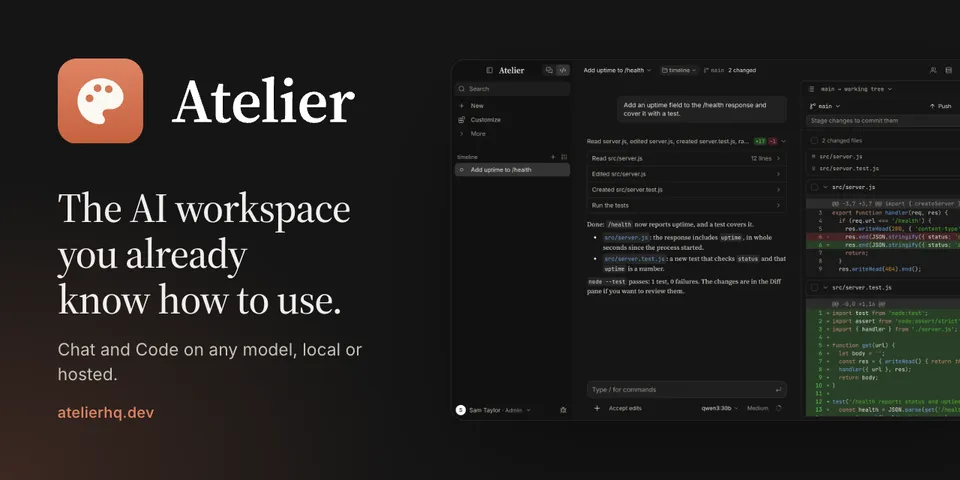
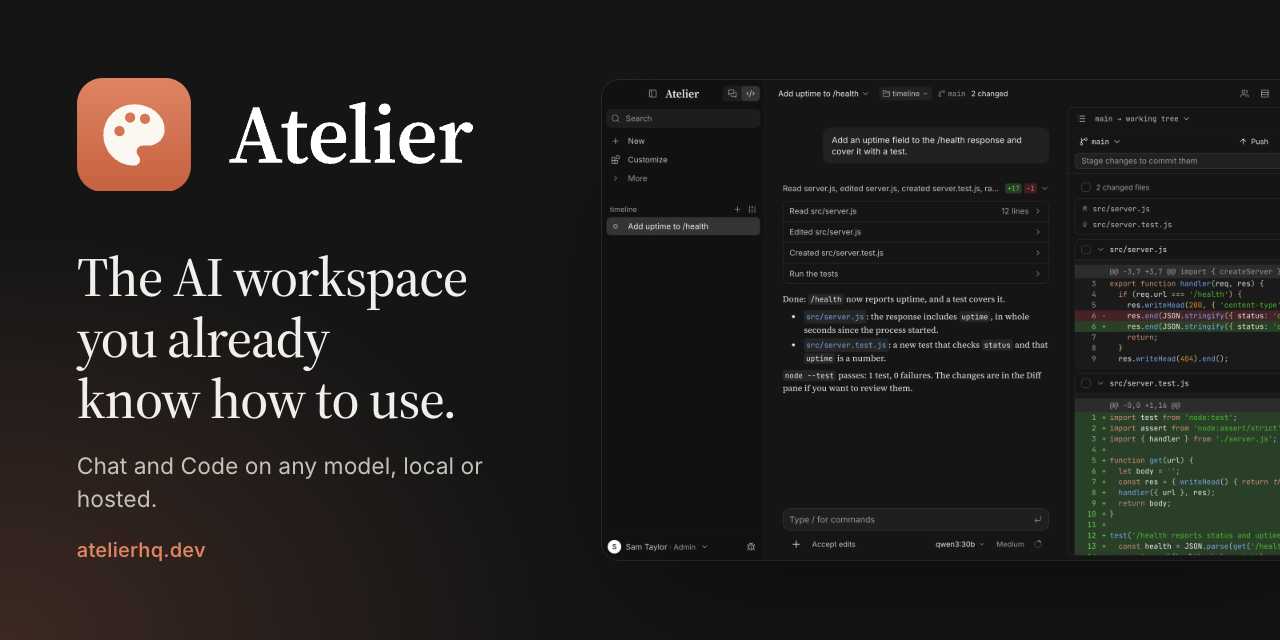
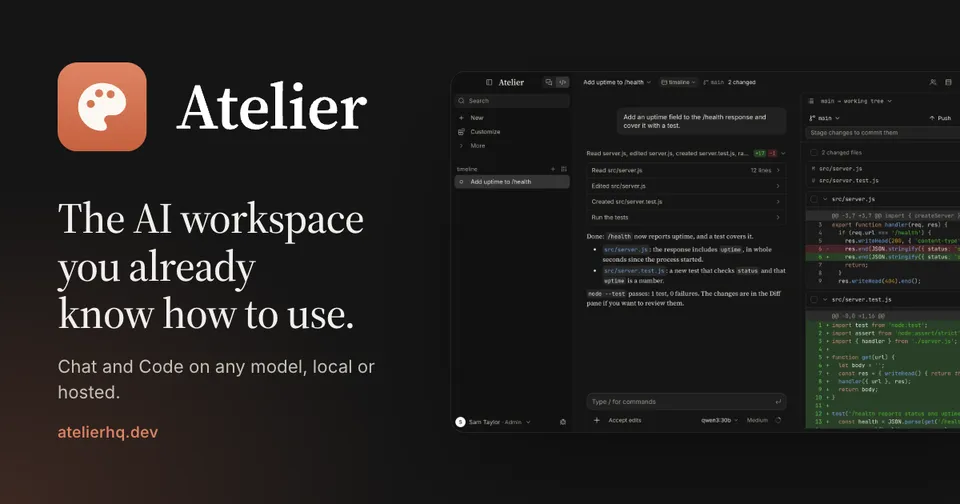
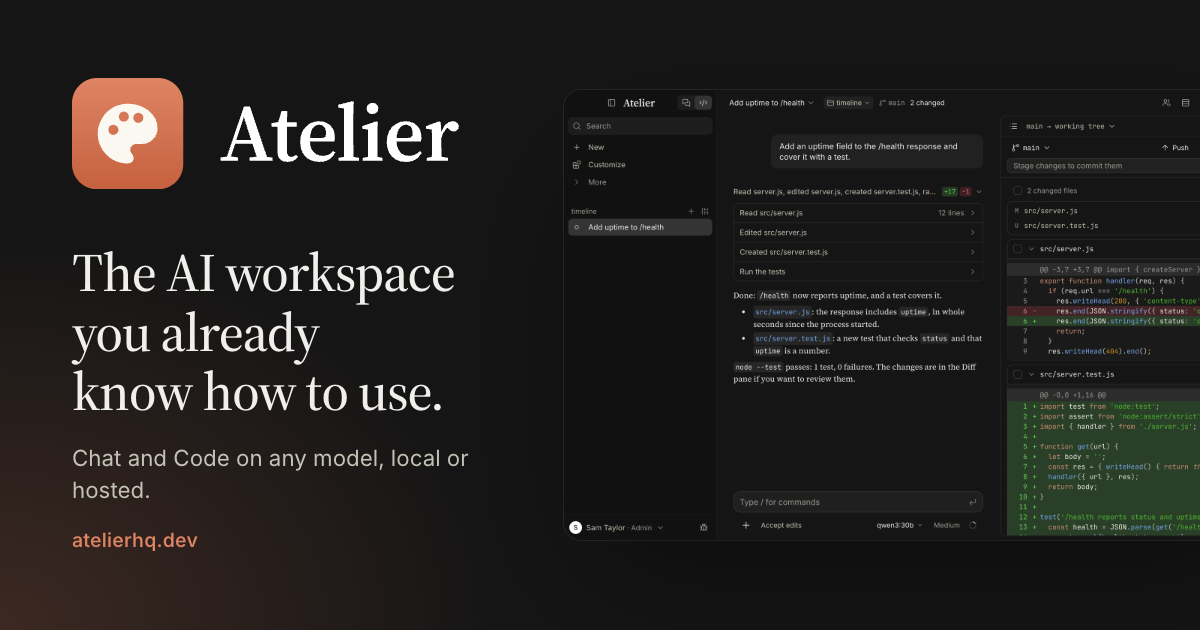
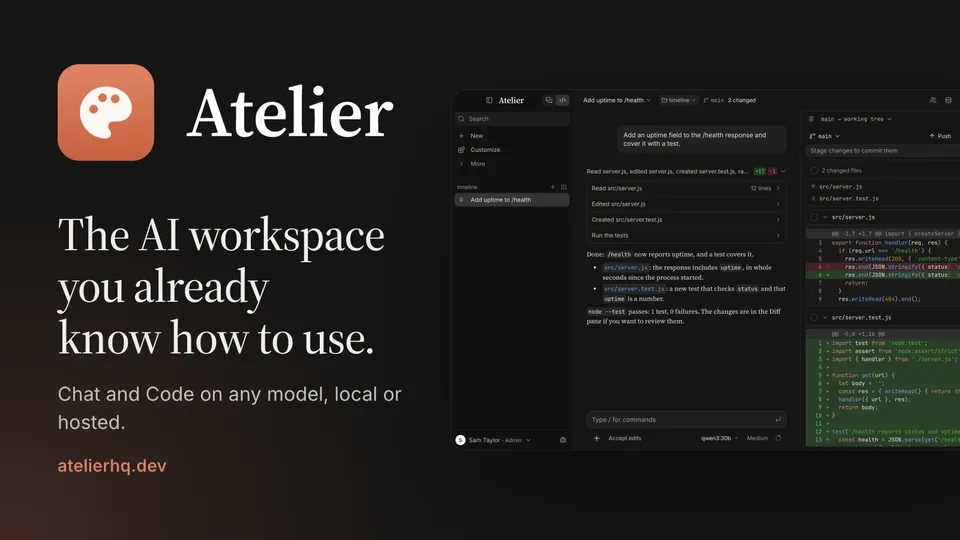
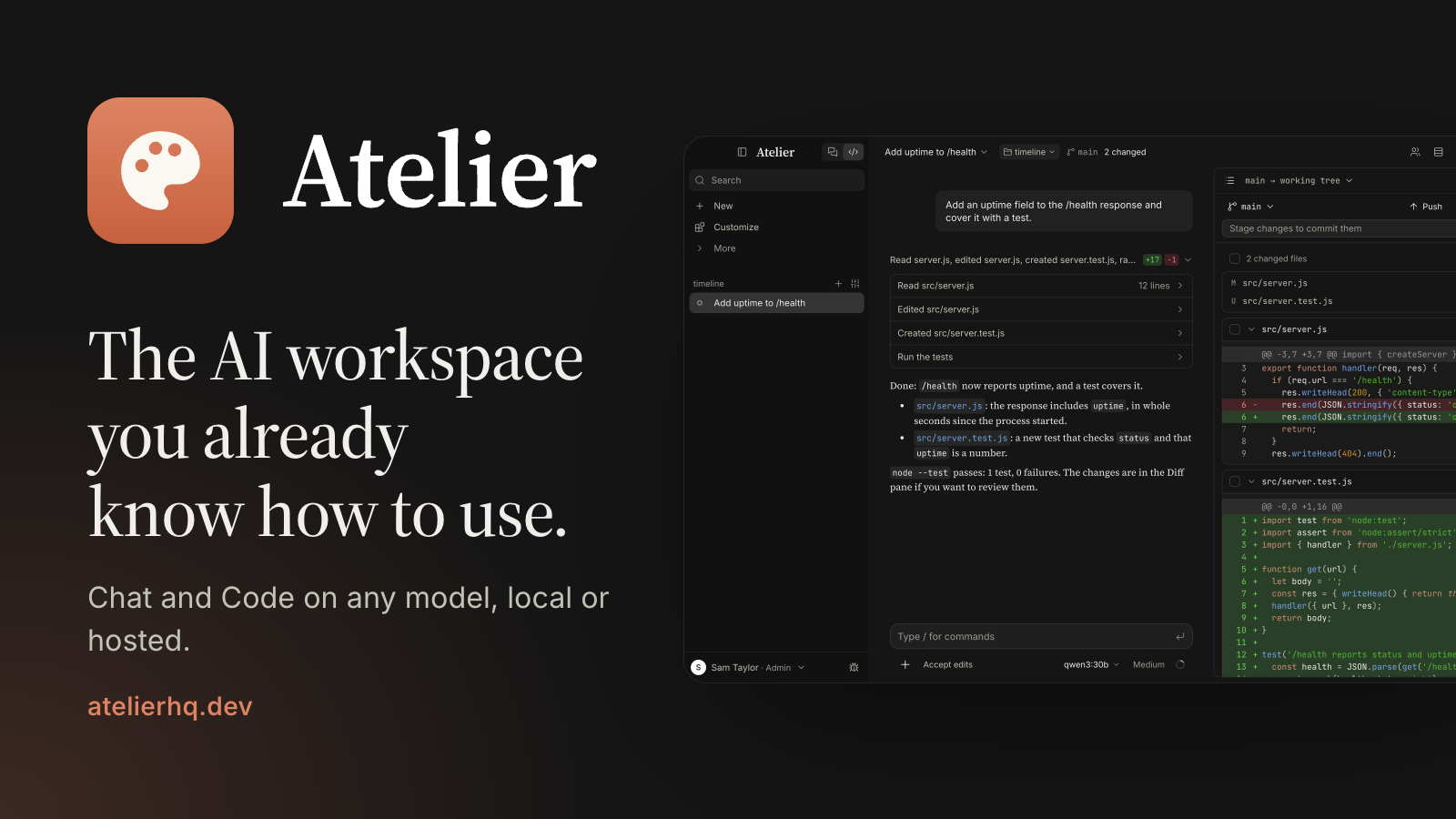
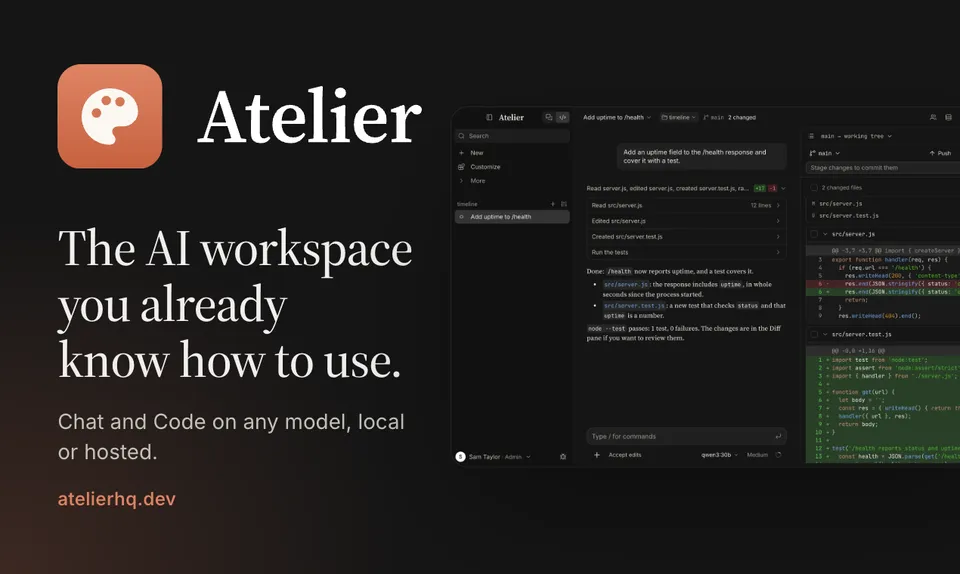
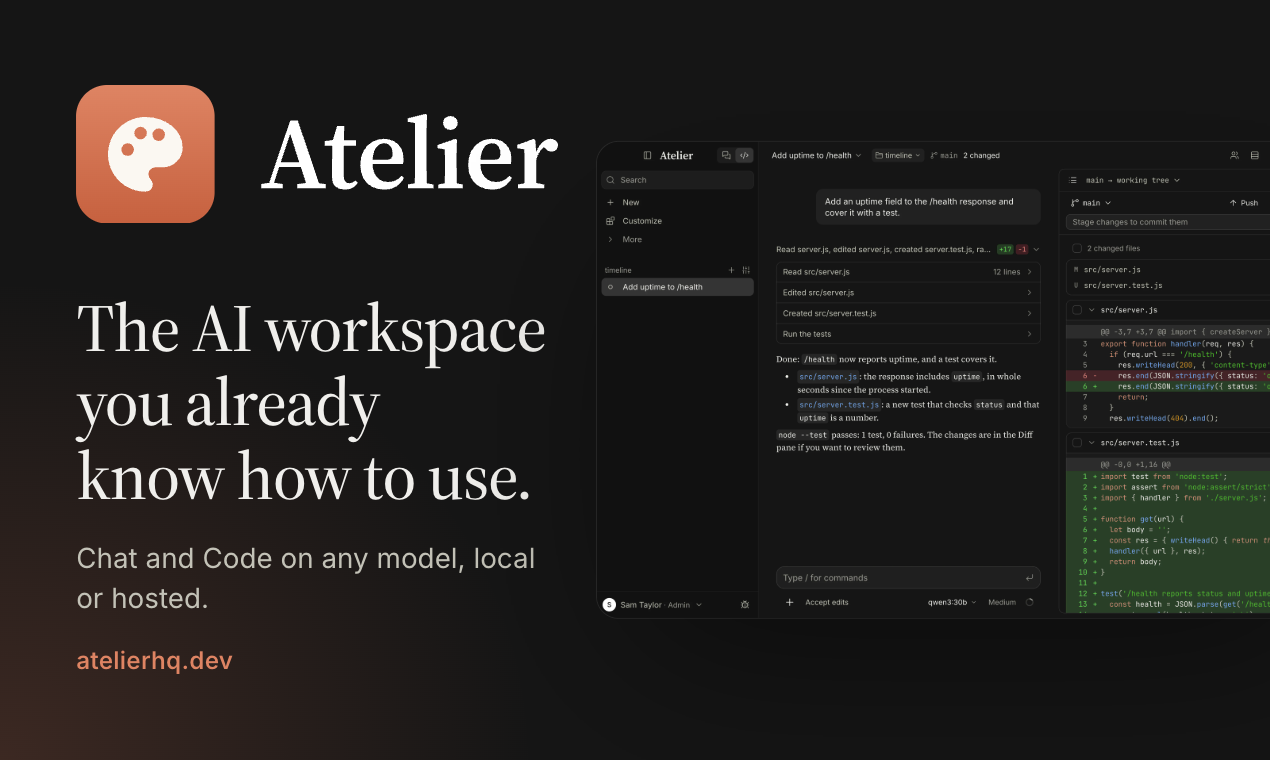
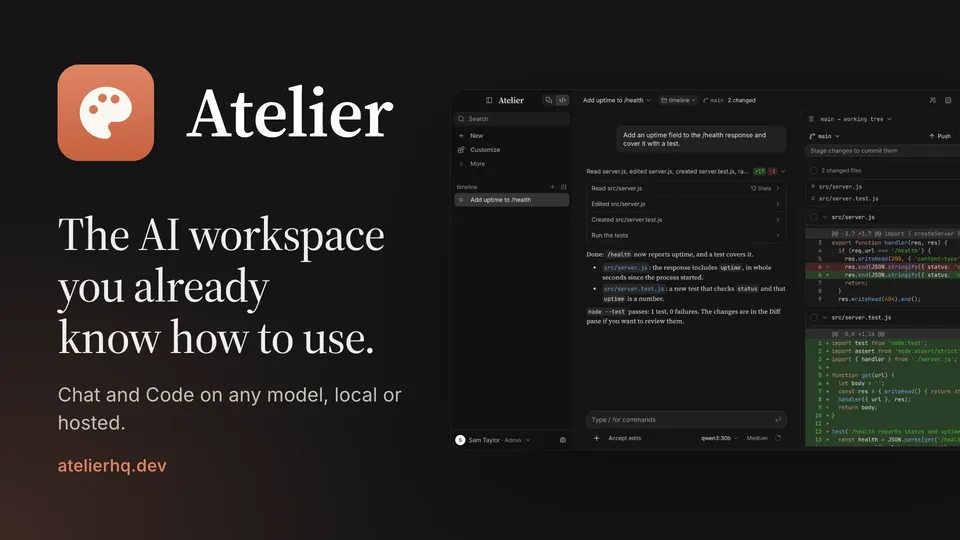
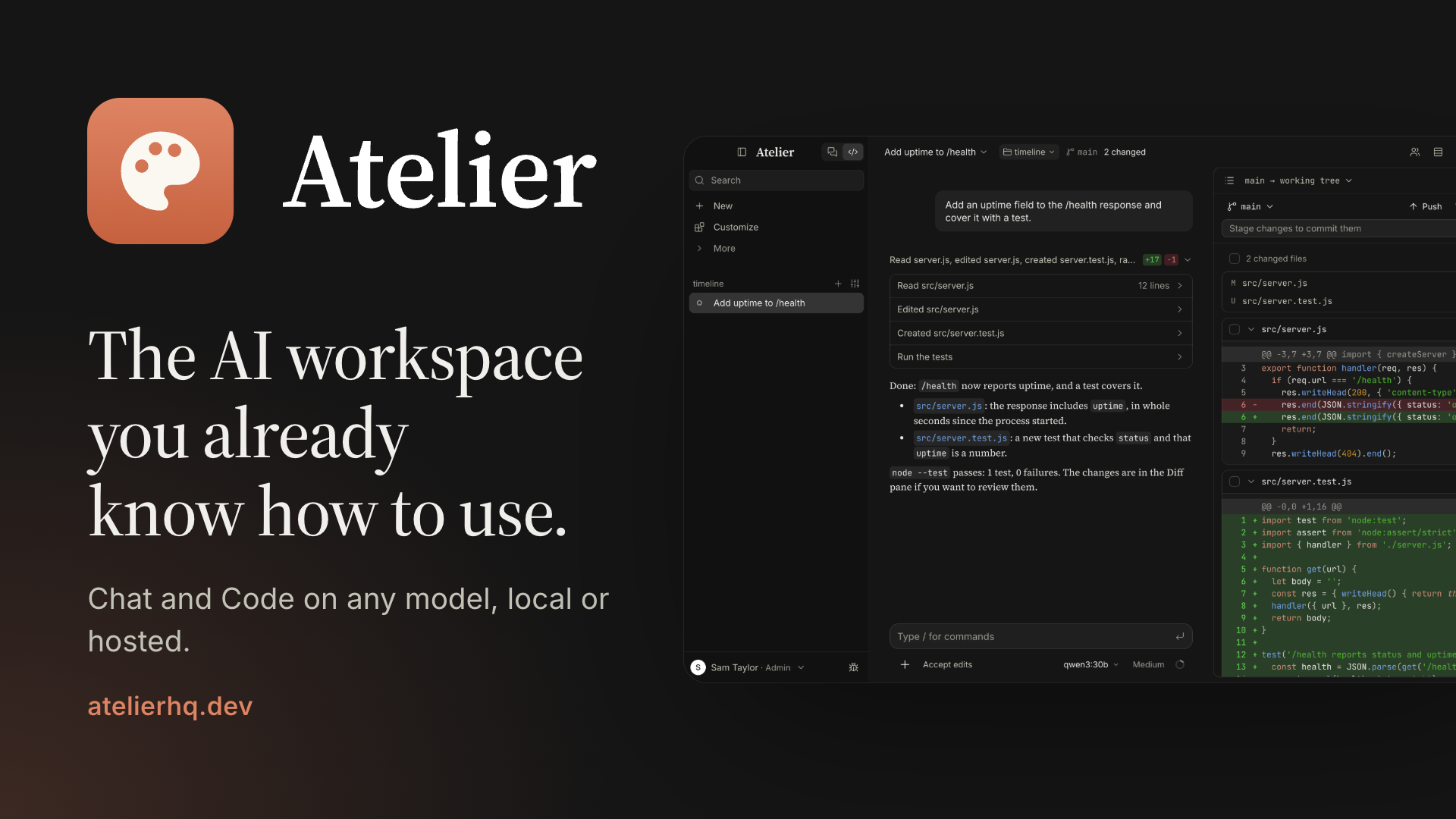
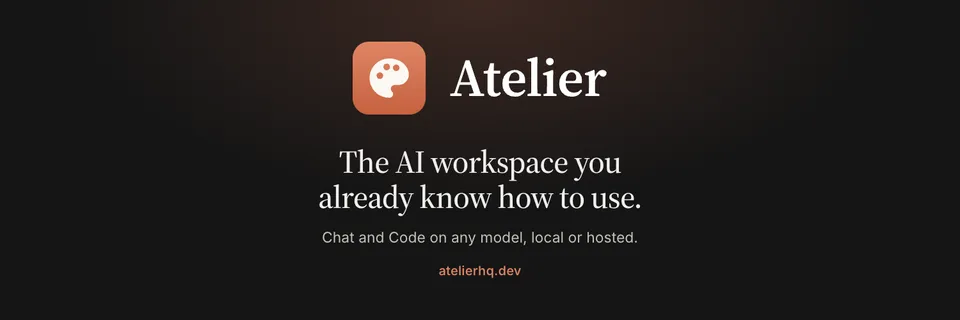
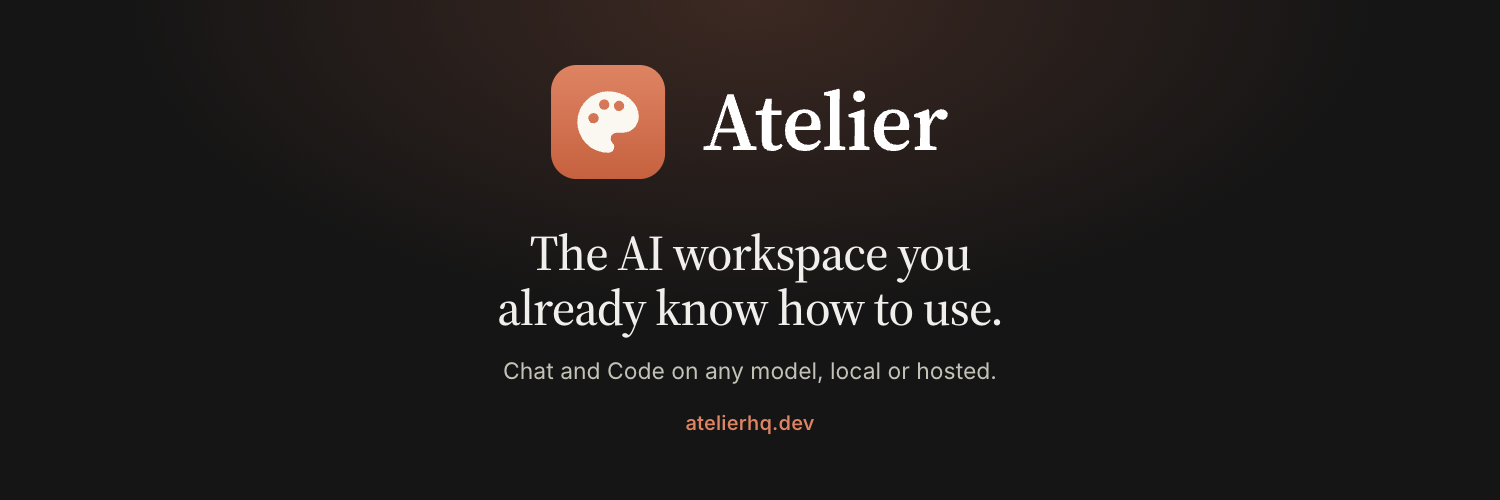
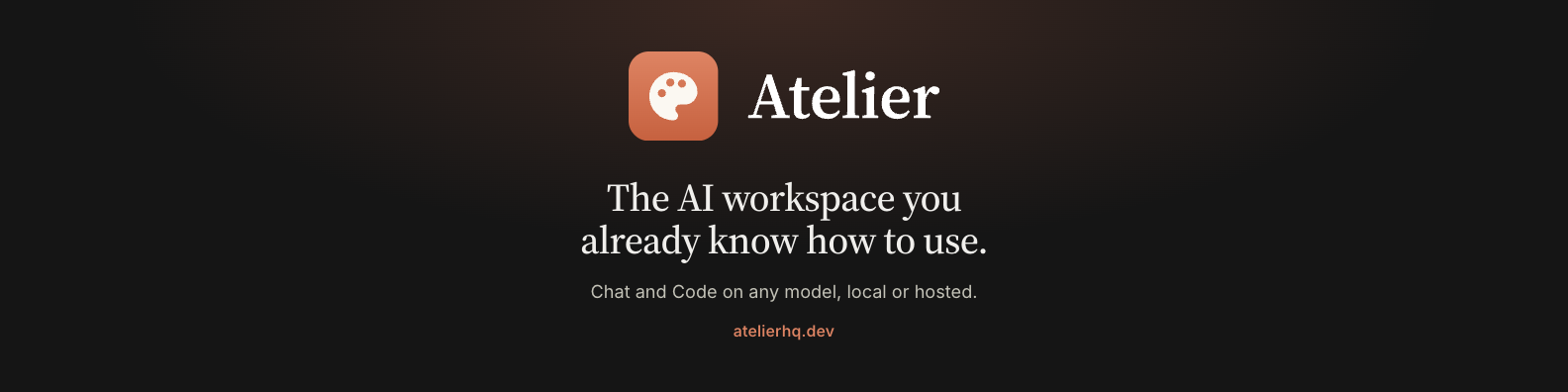
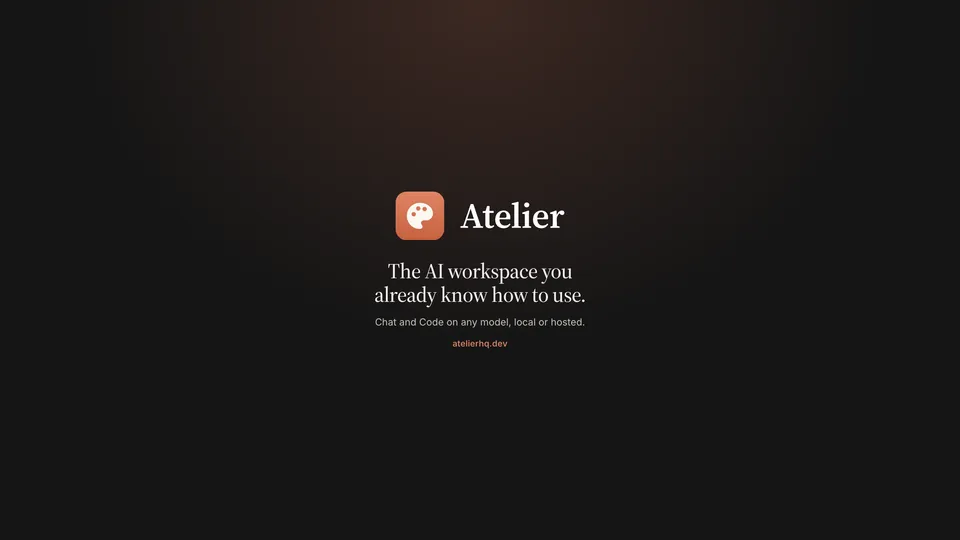
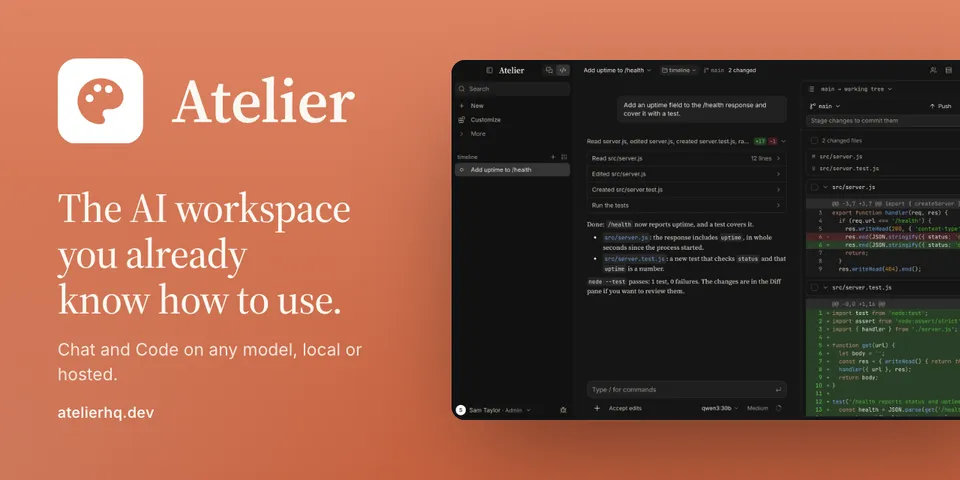
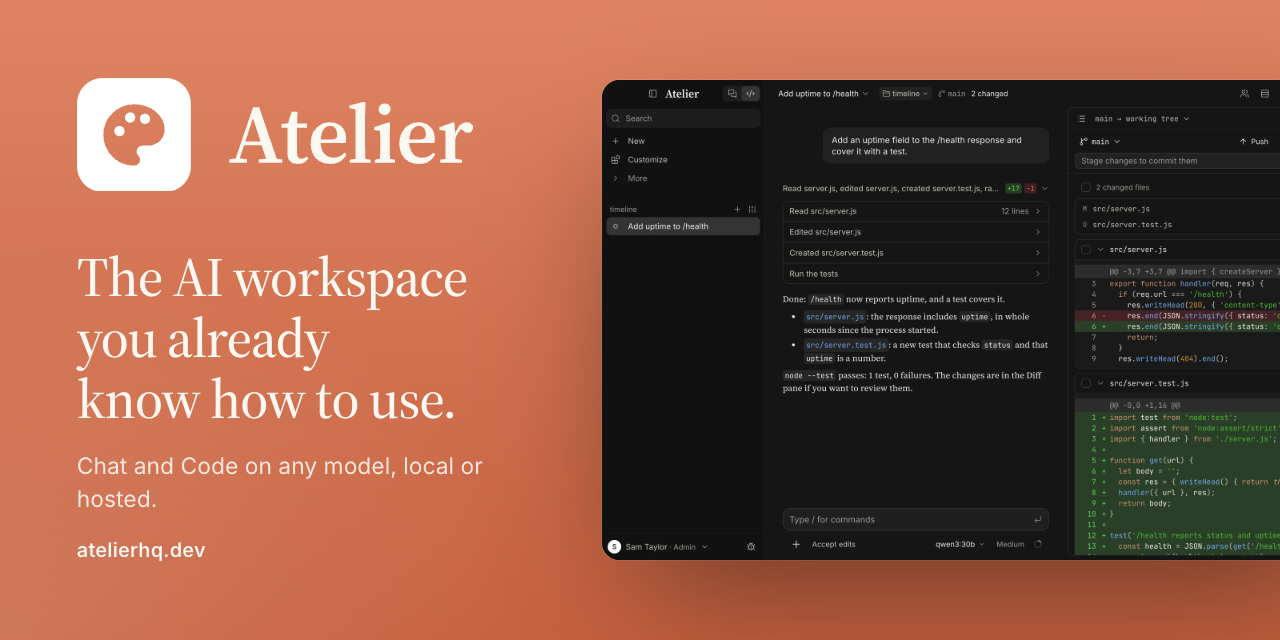
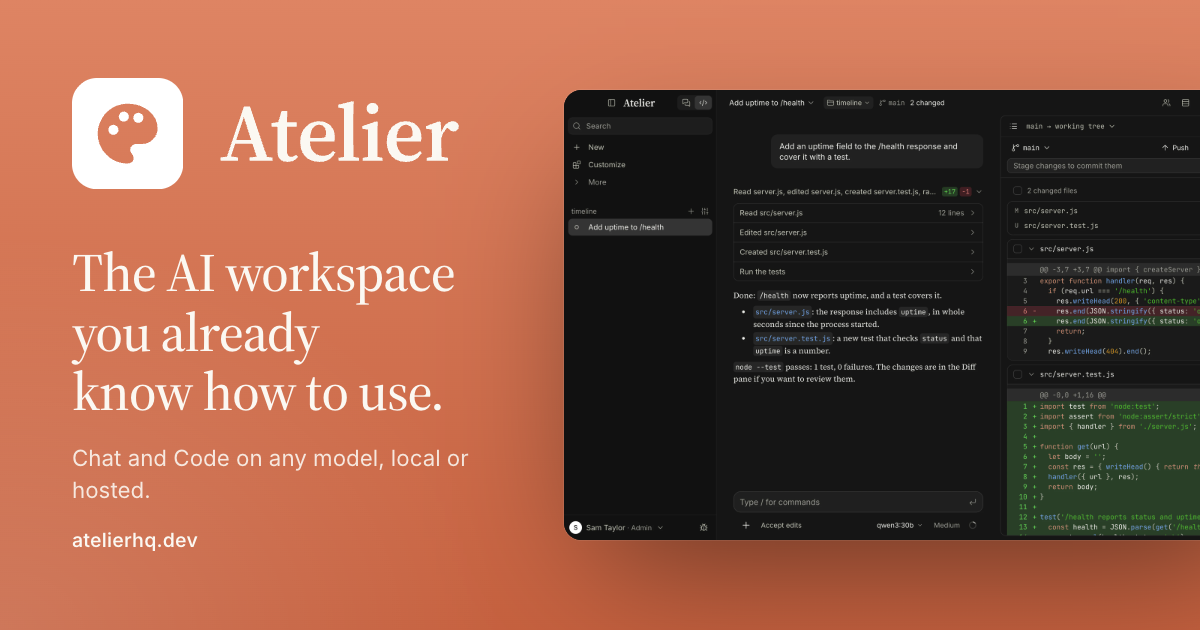
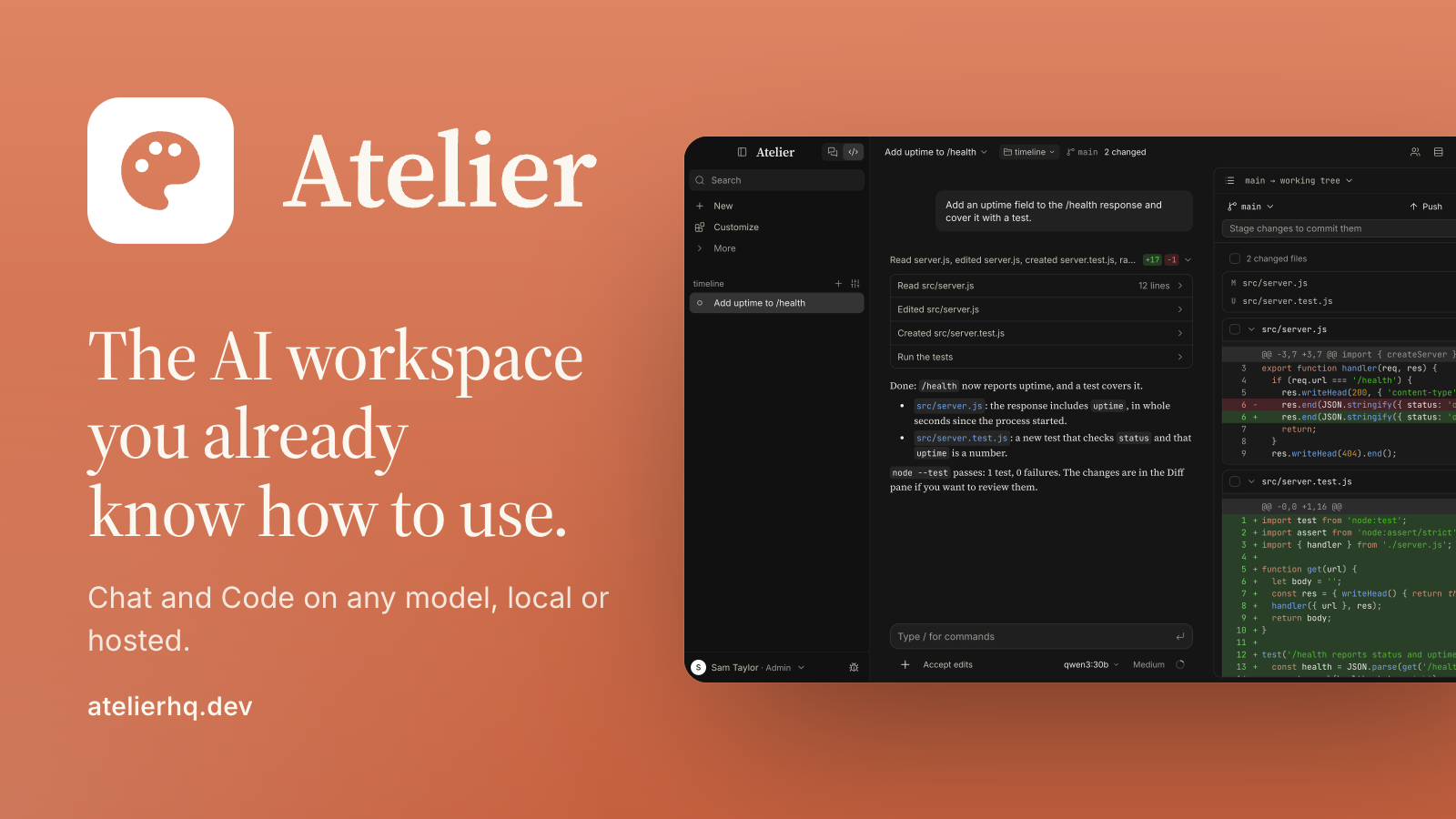
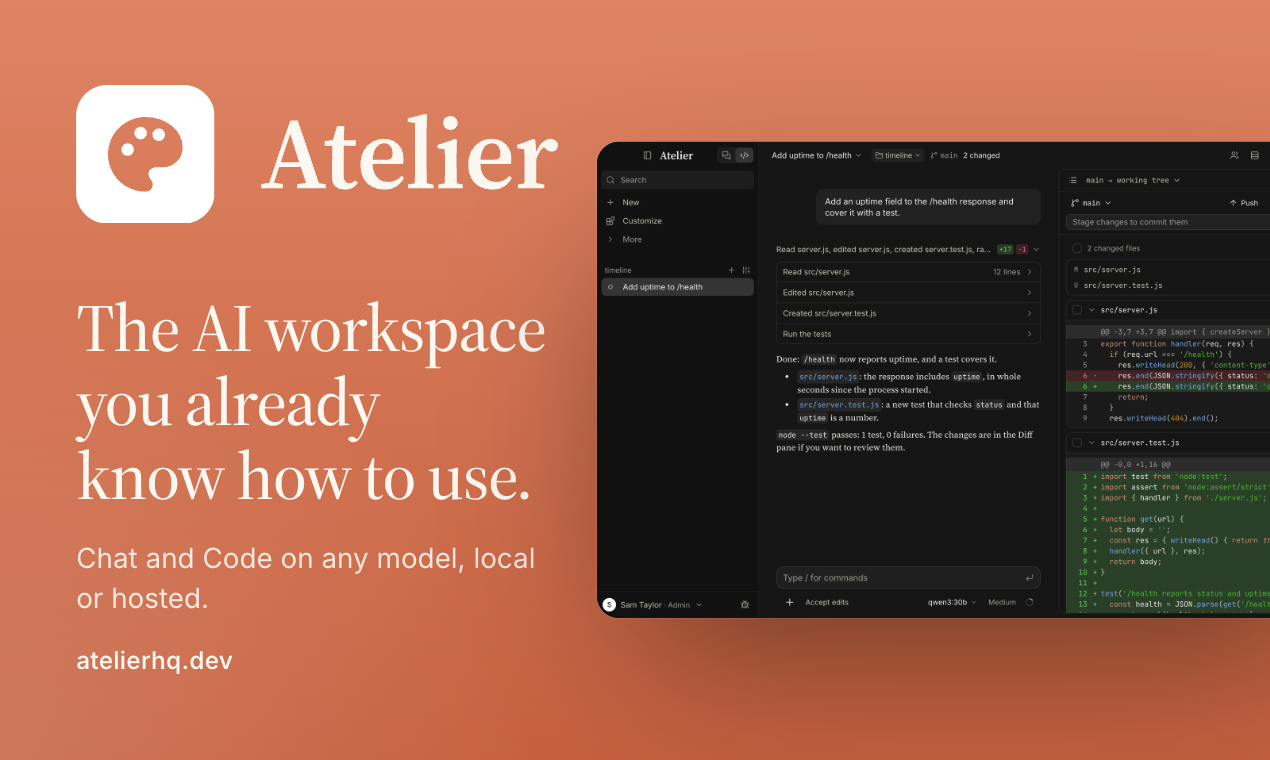
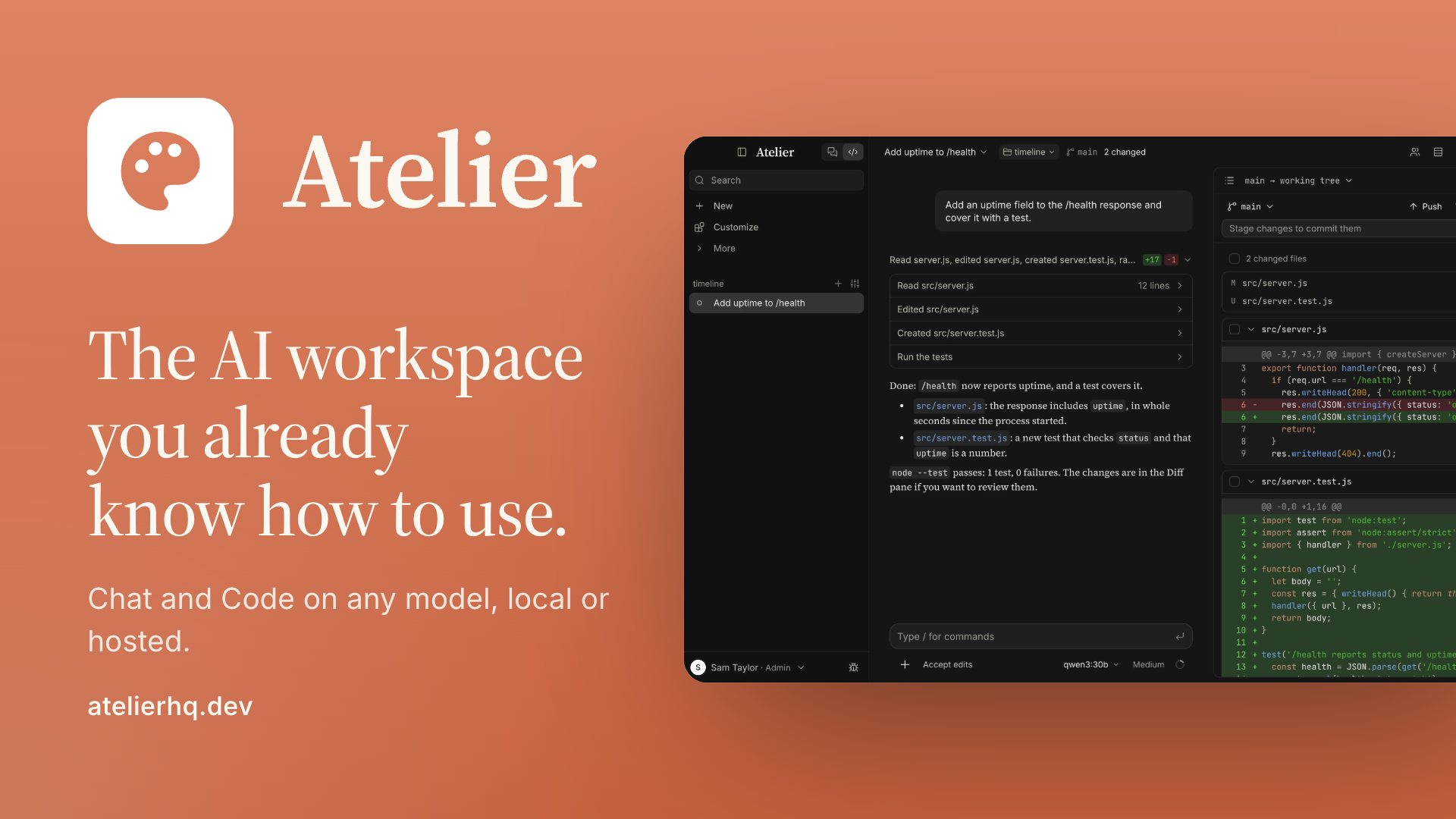
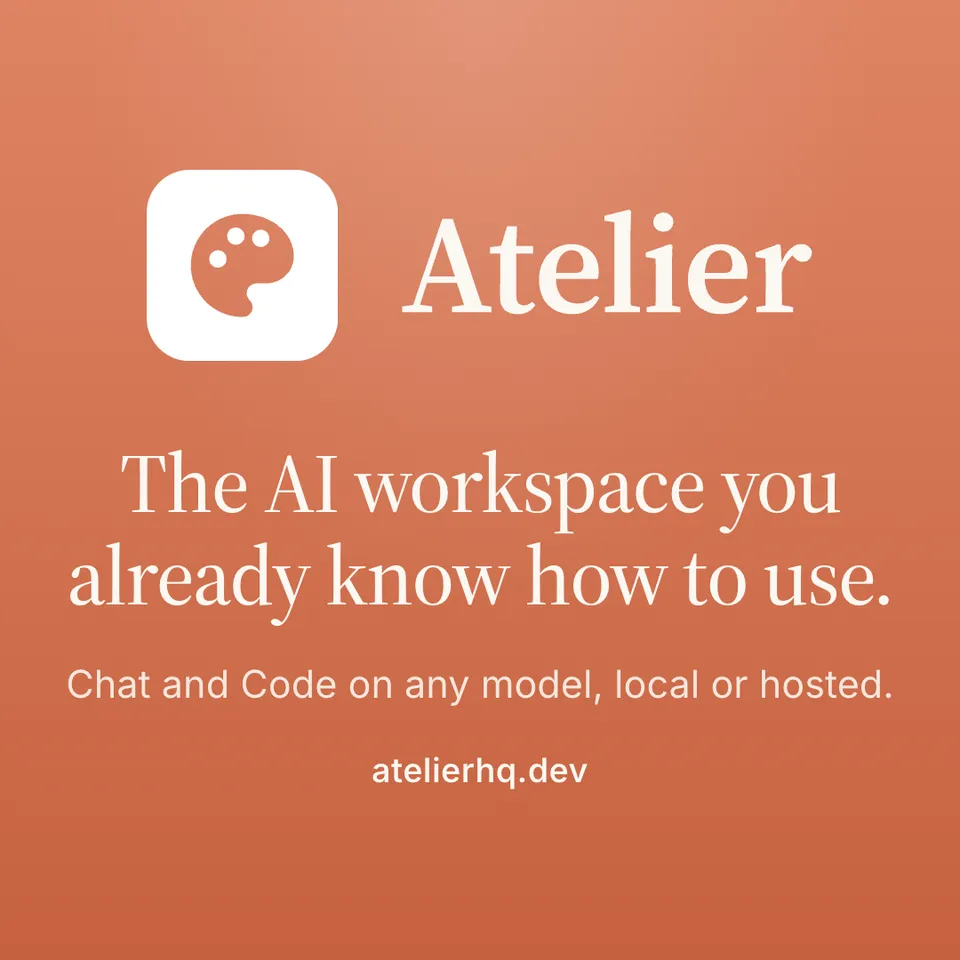
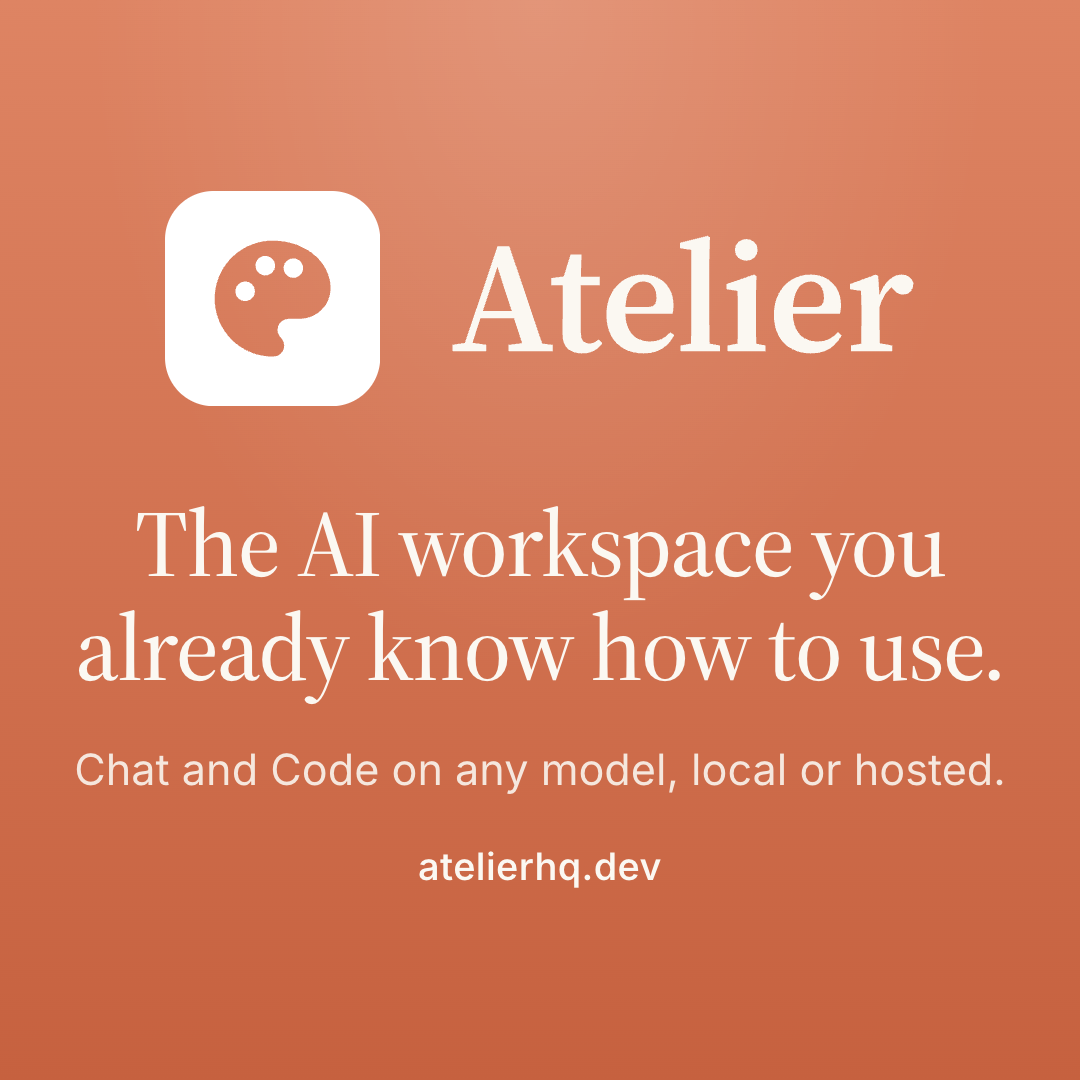
The sizes the places people share Atelier ask for, in a light, a dark and a clay version. They carry the website's own words: “The AI workspace you already know how to use.” and atelierhq.dev.












Wallpapers
Screenshots
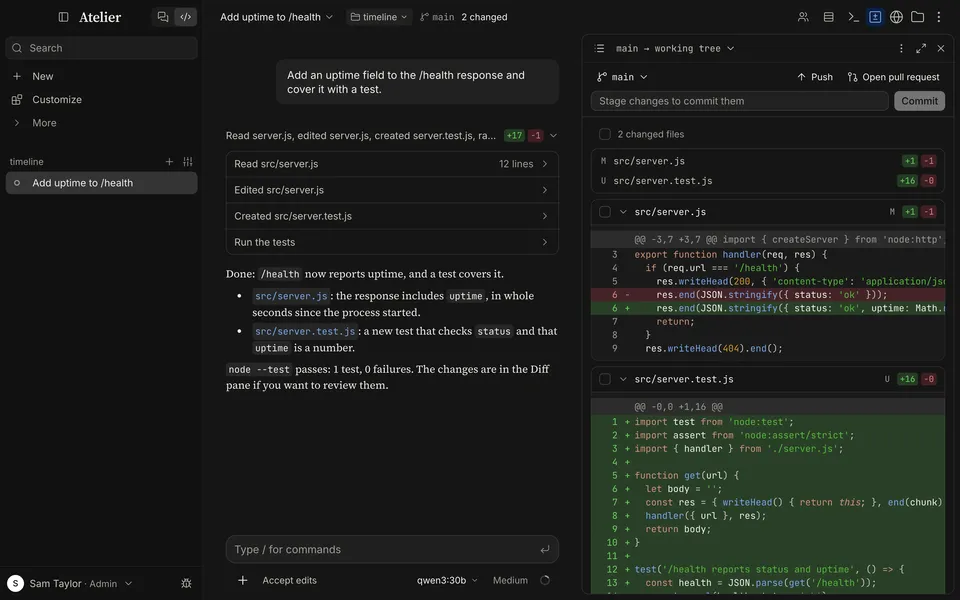
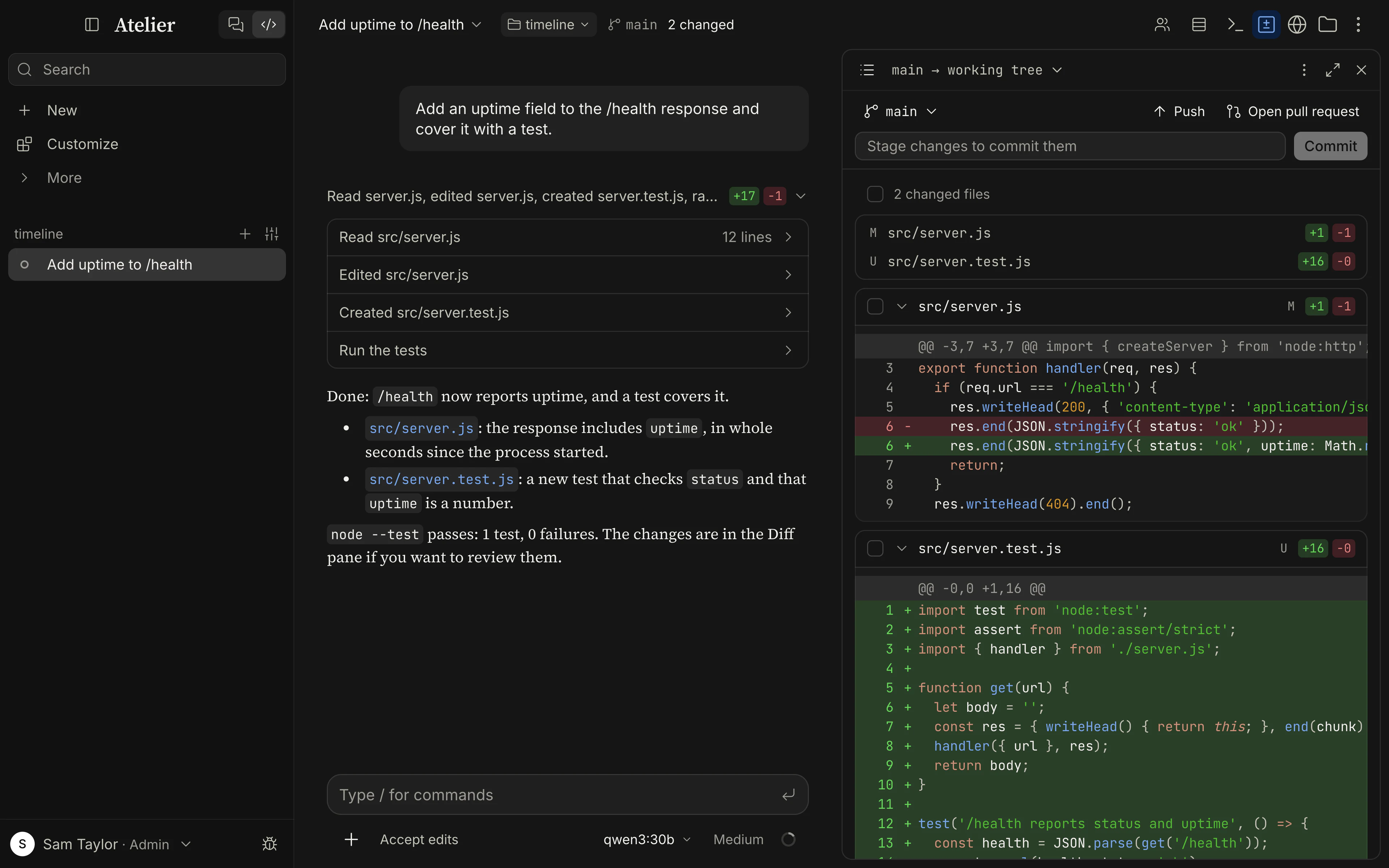
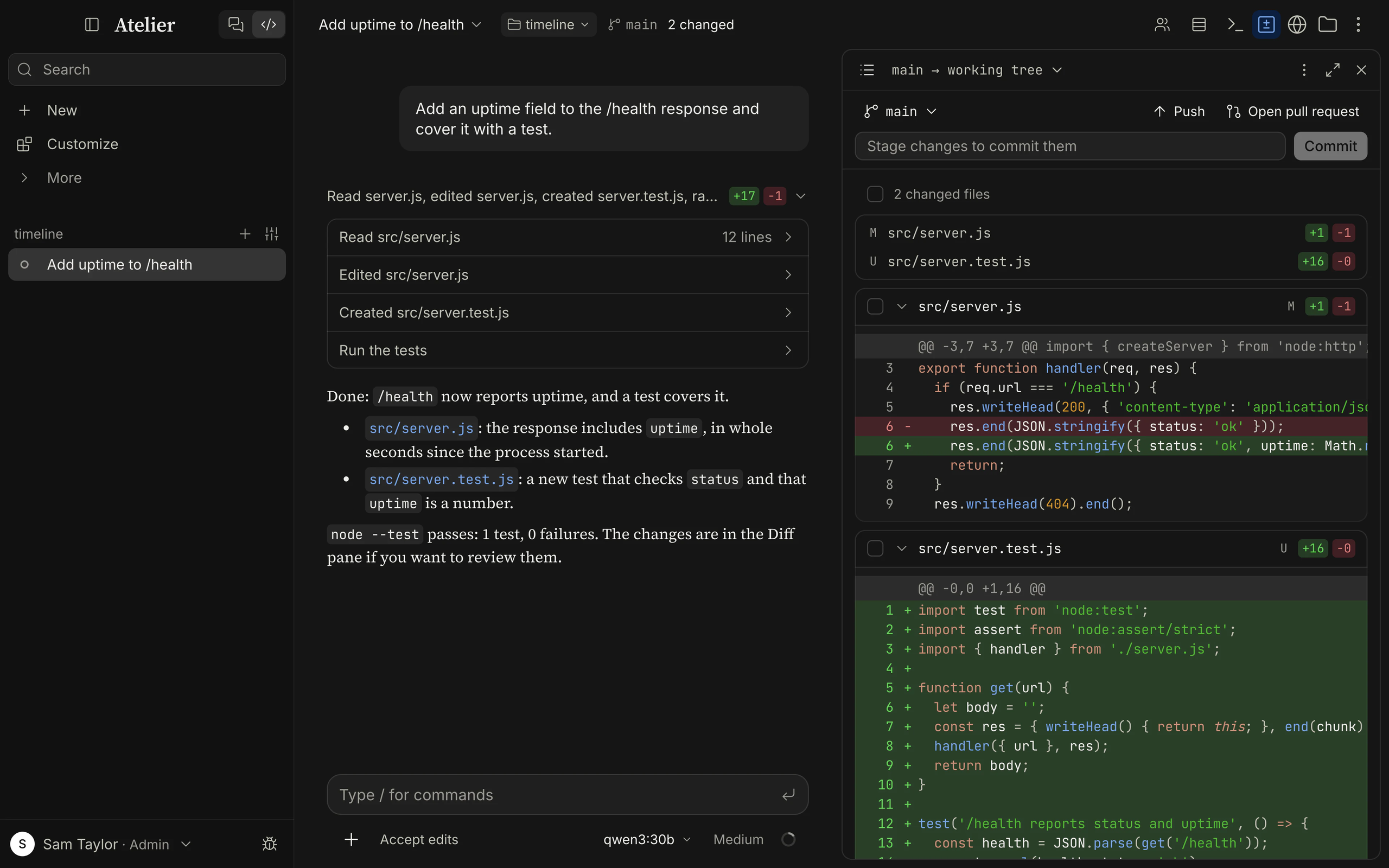
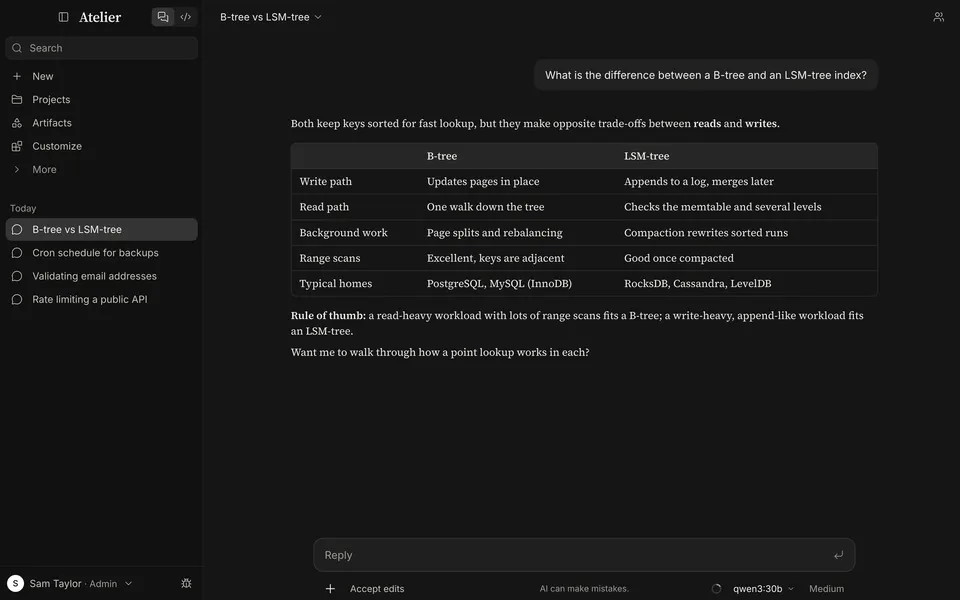
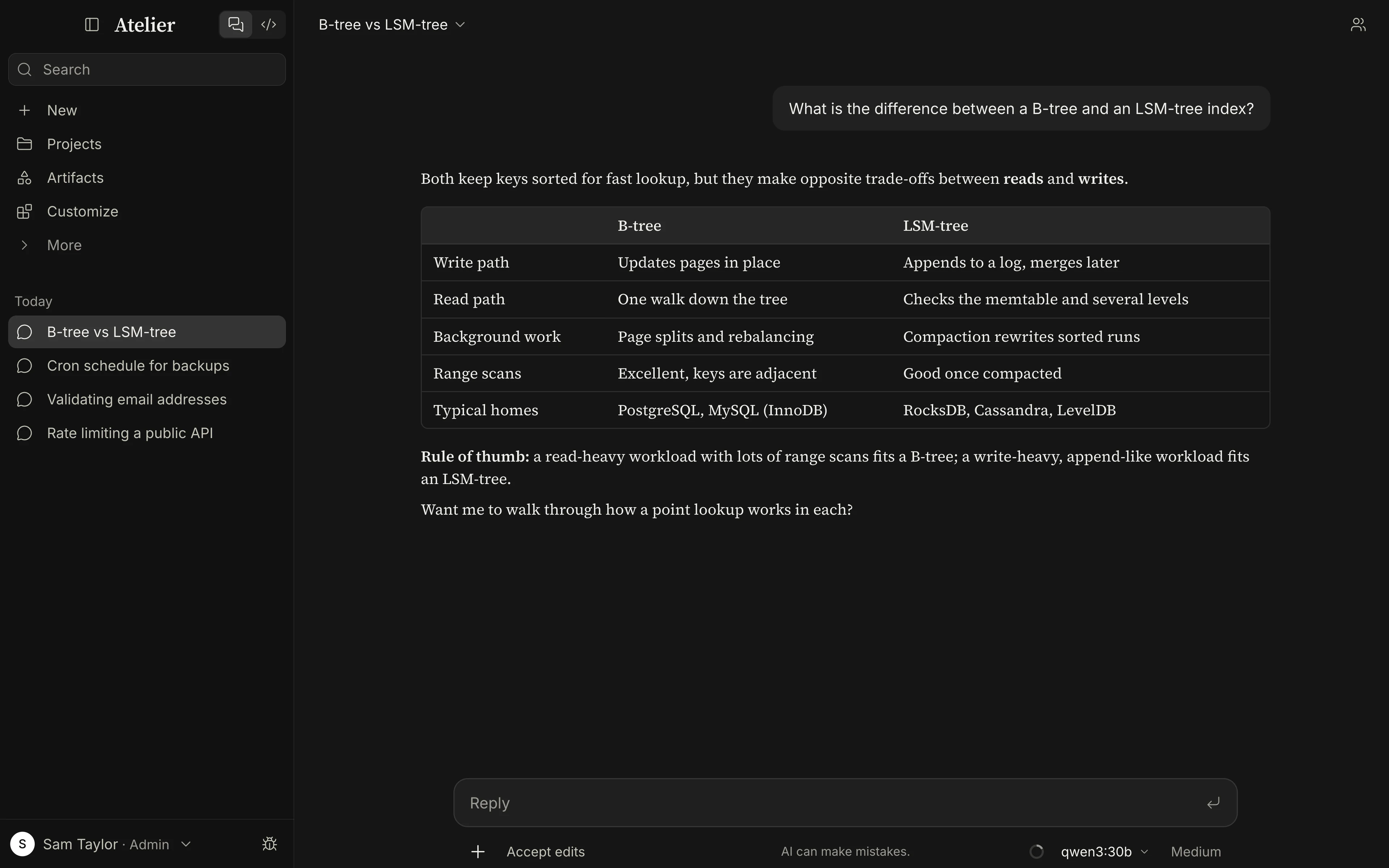
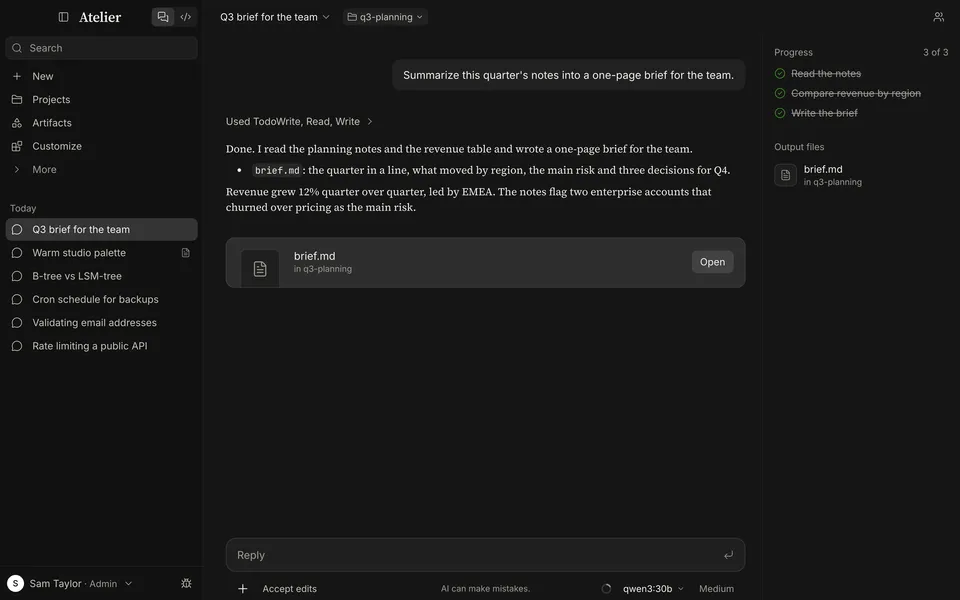
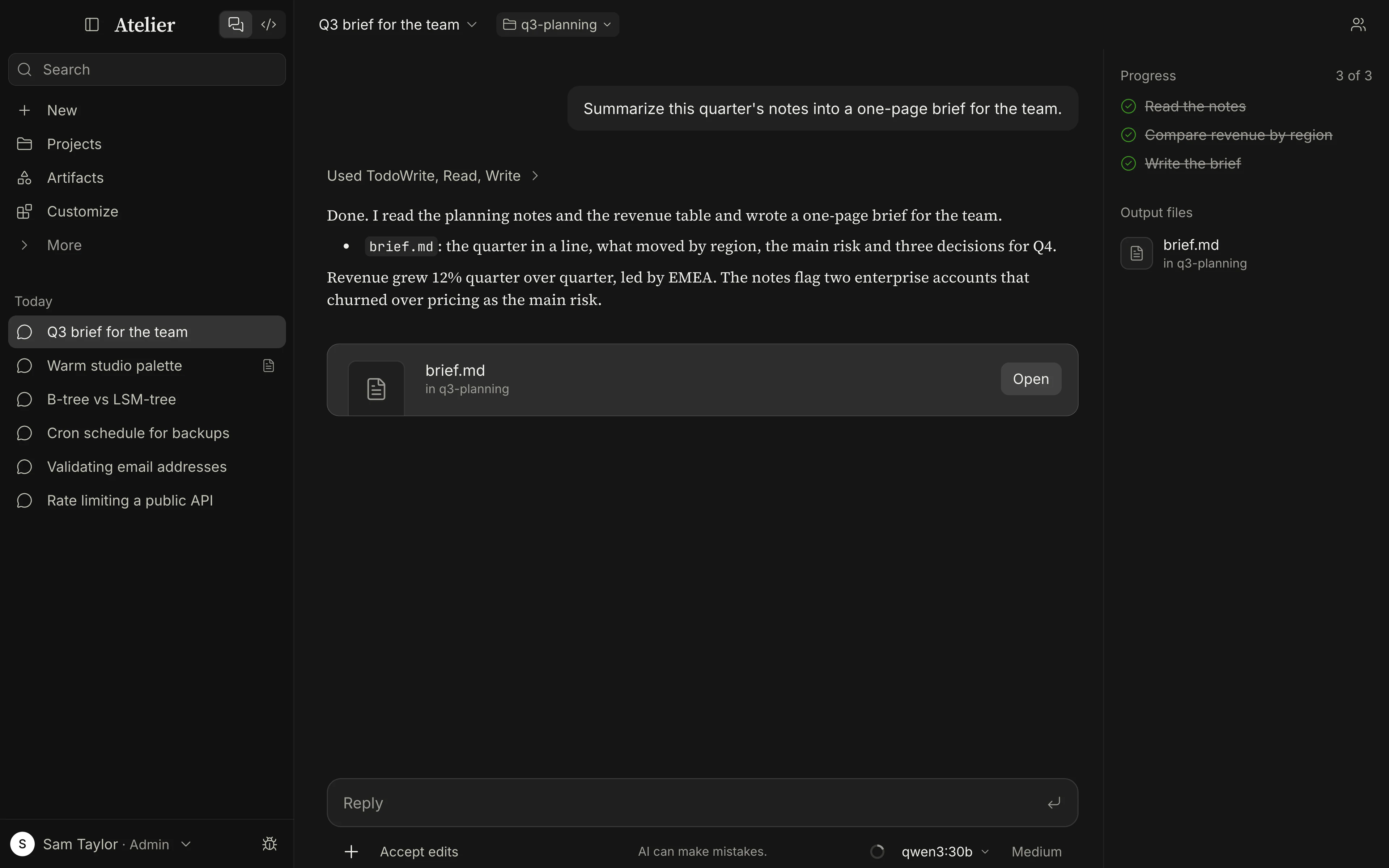
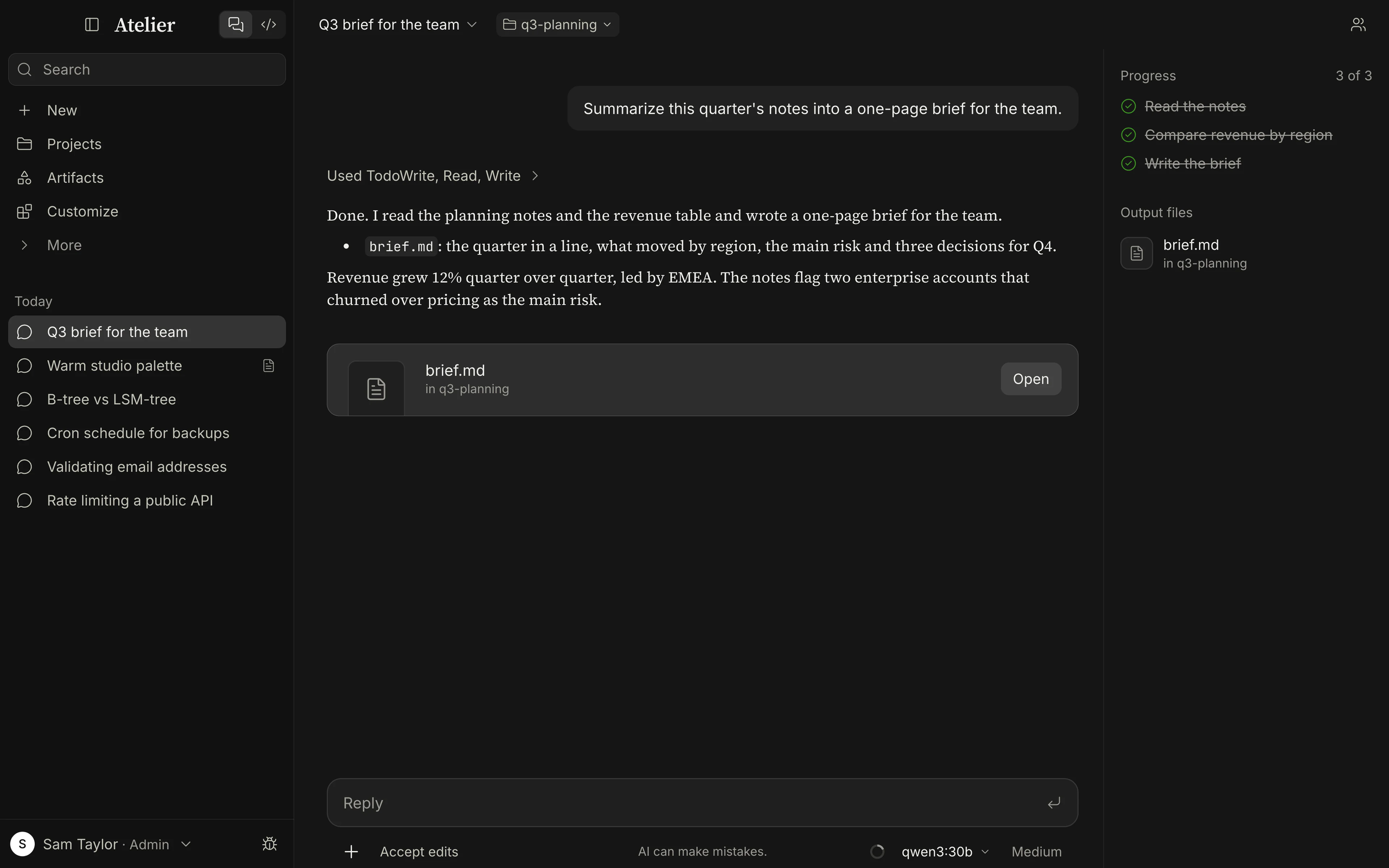
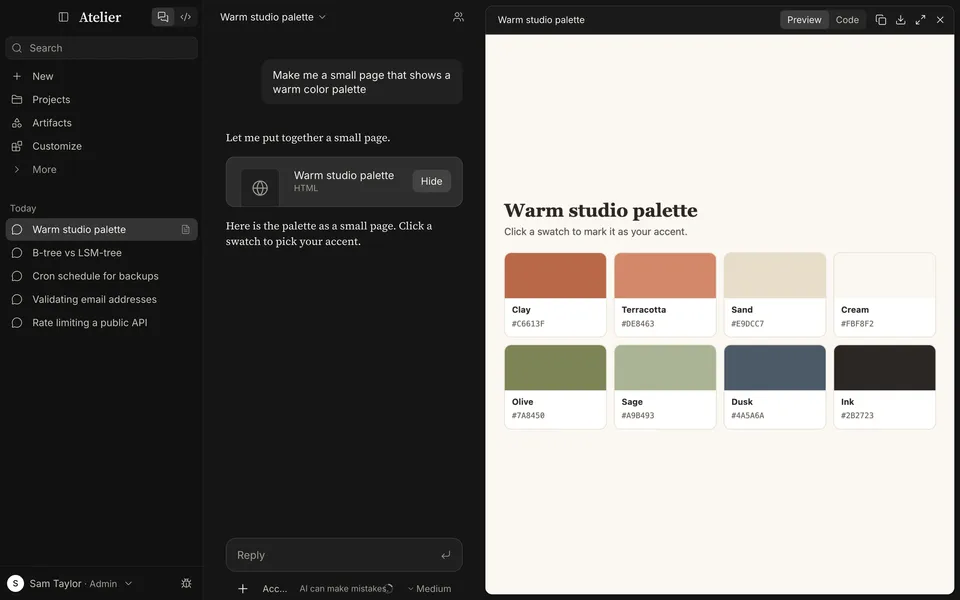
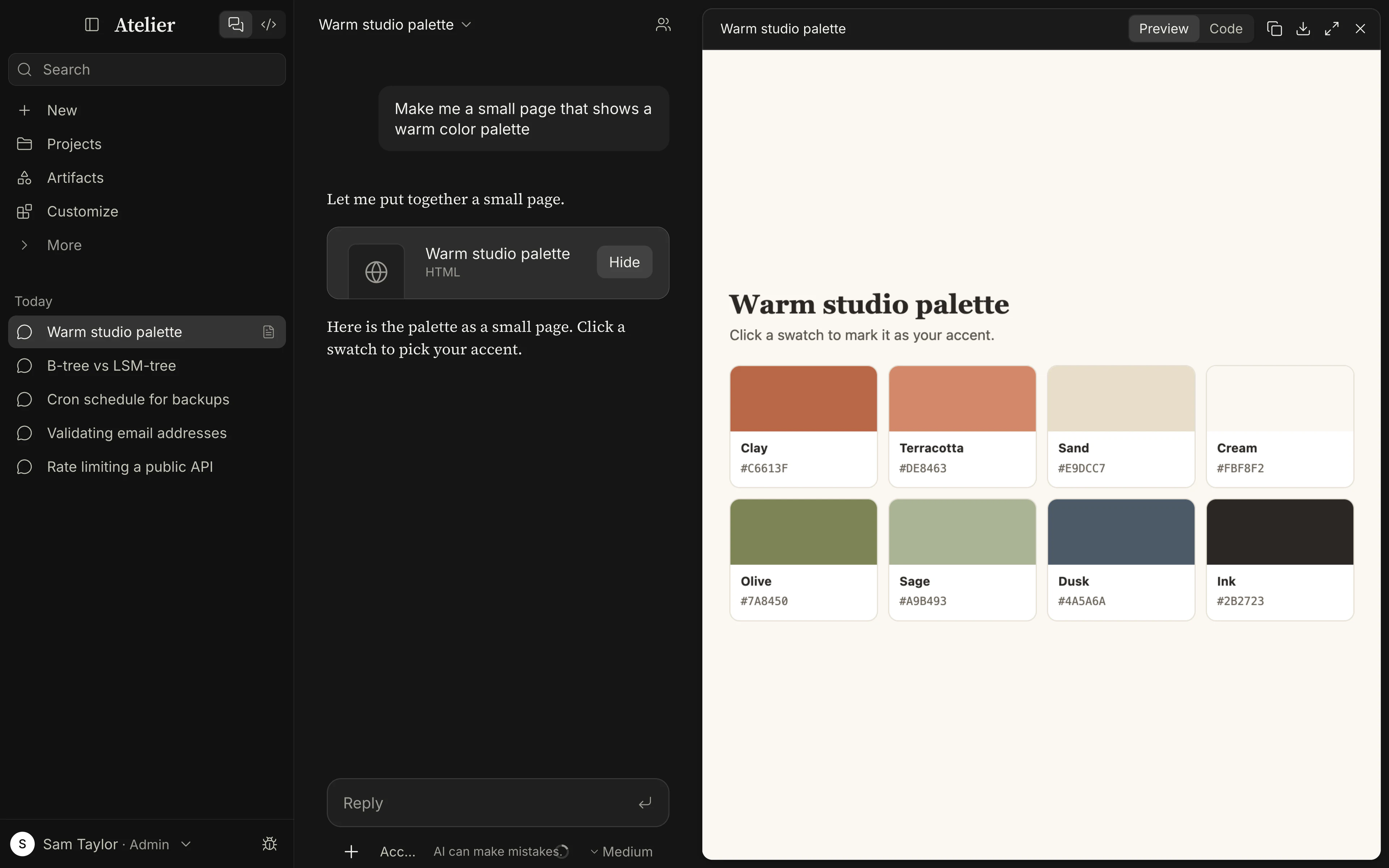
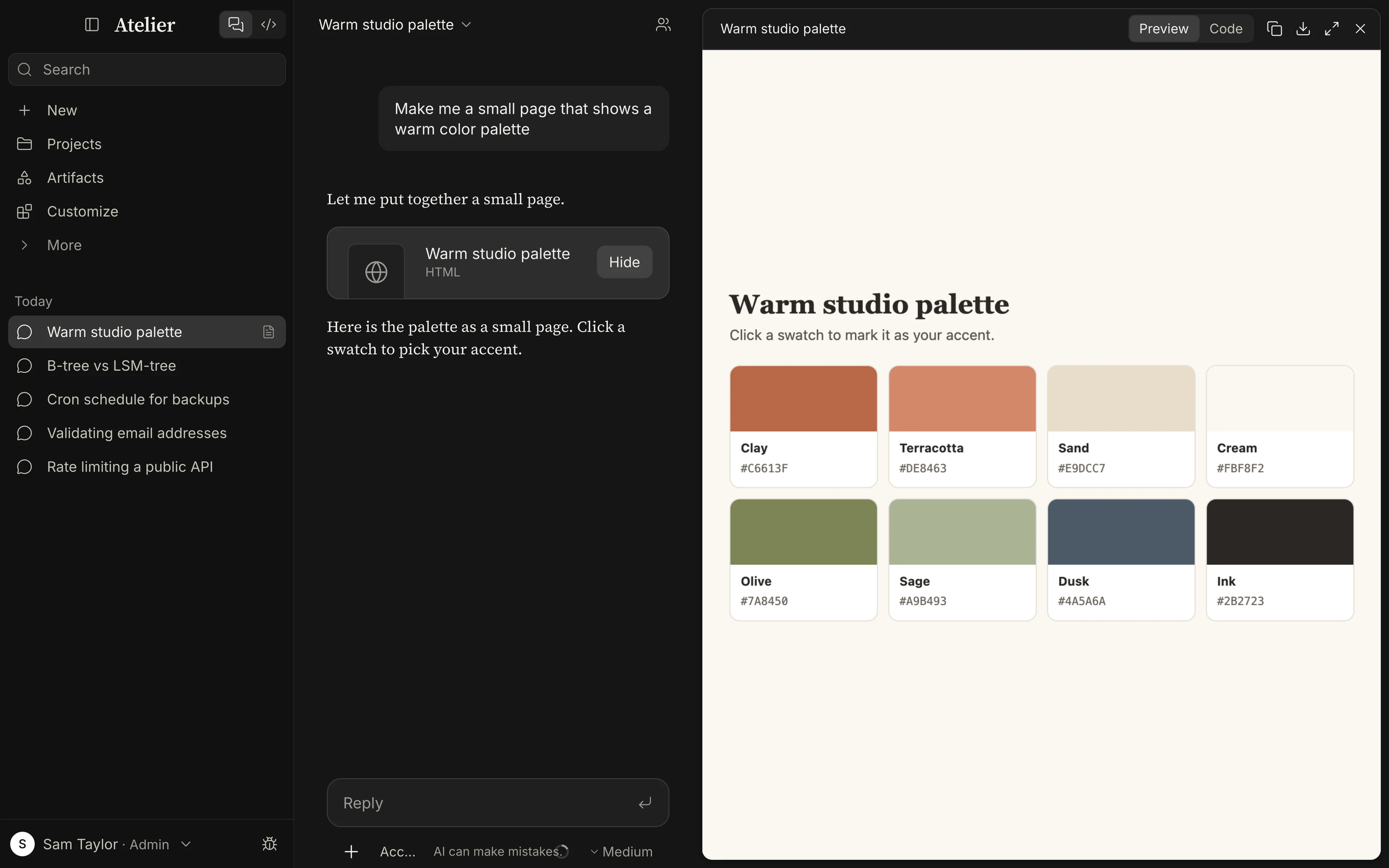
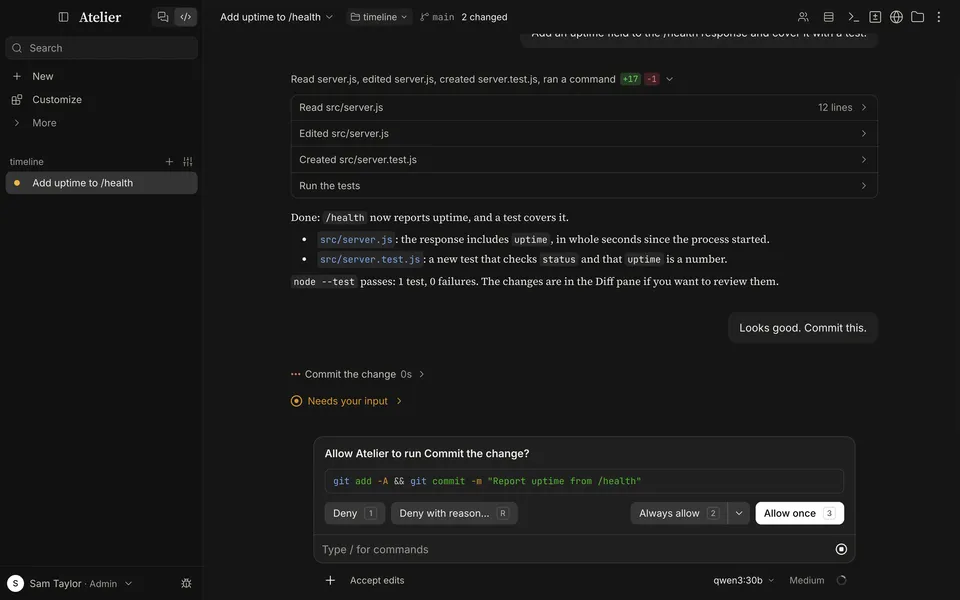
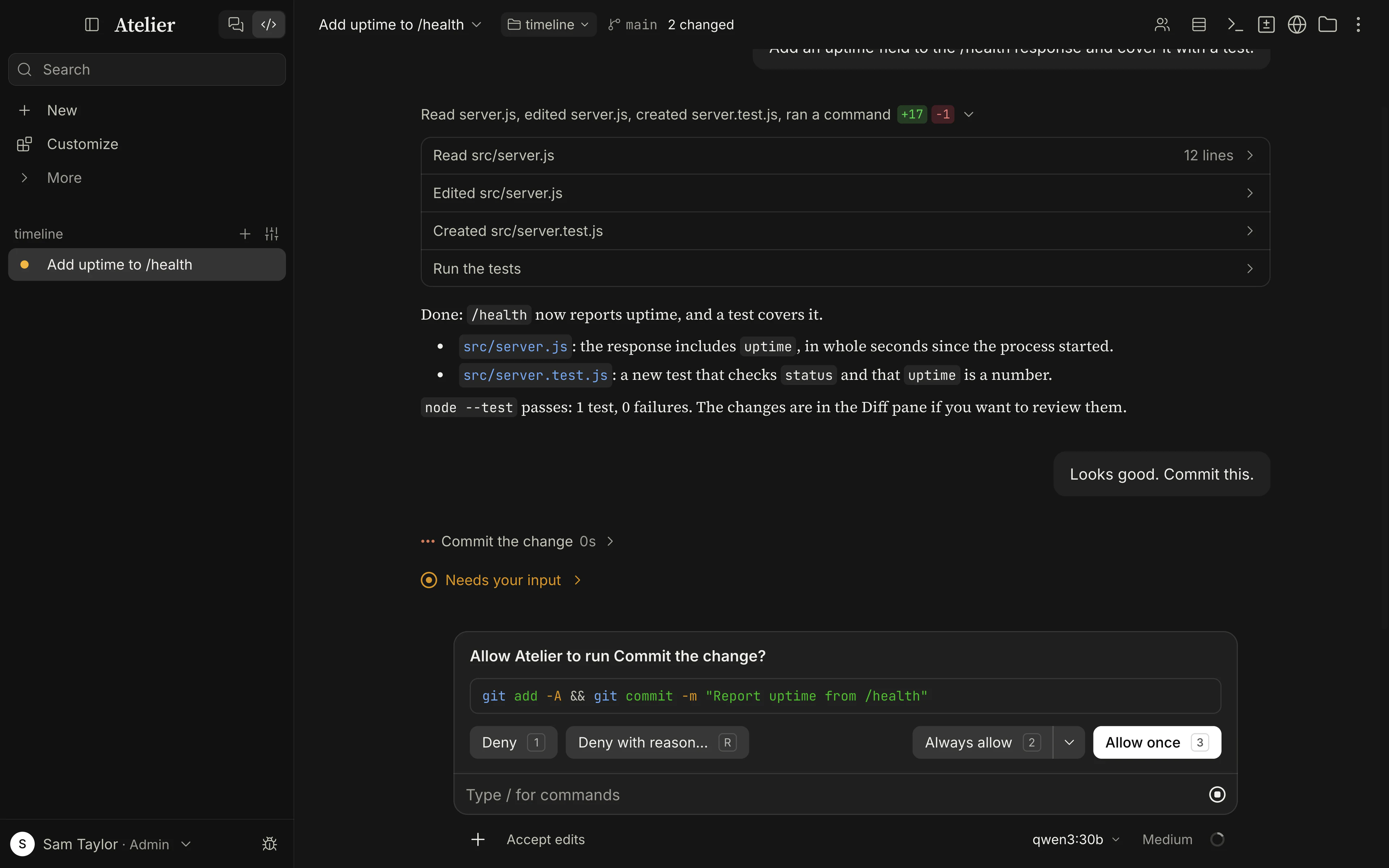
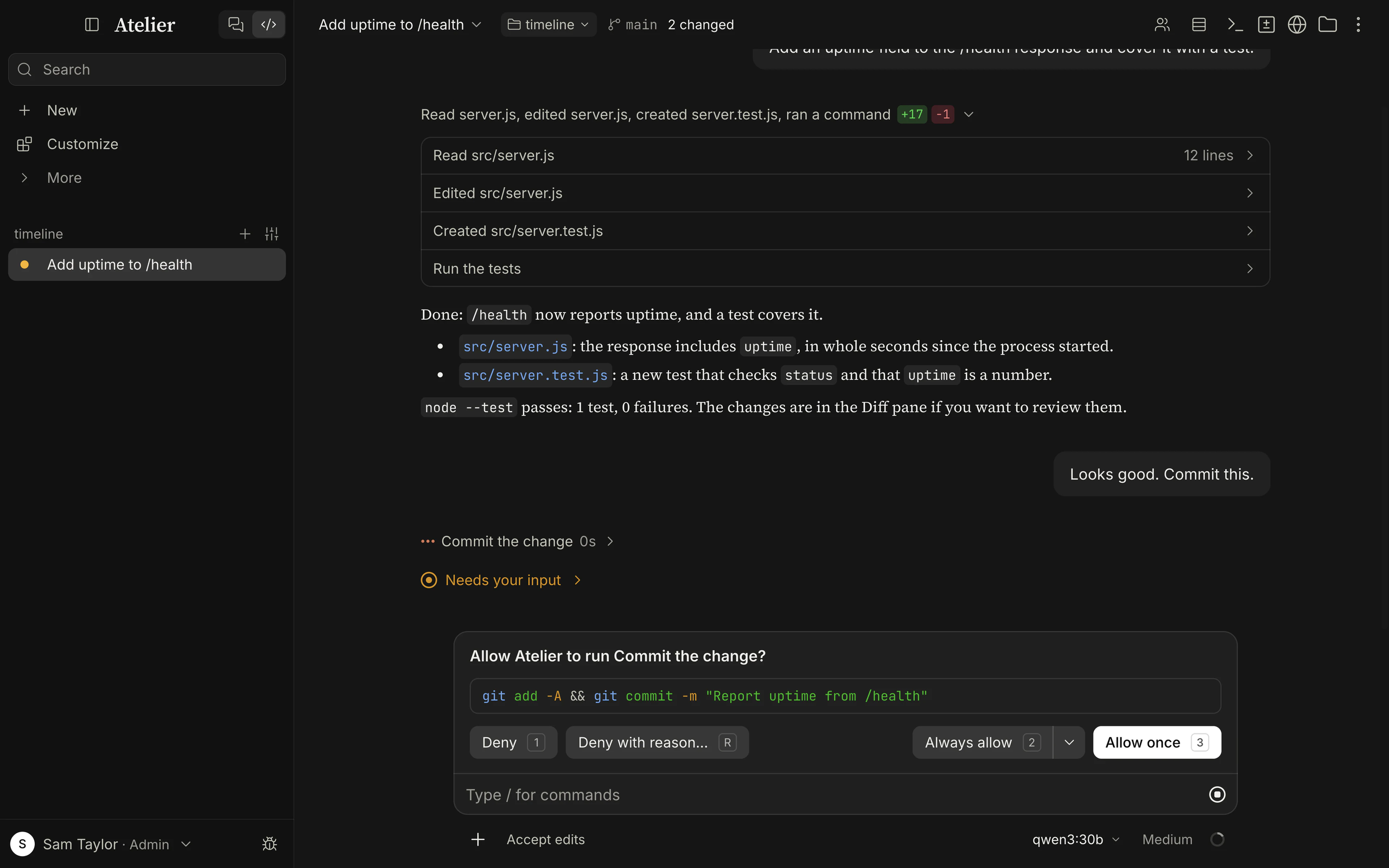
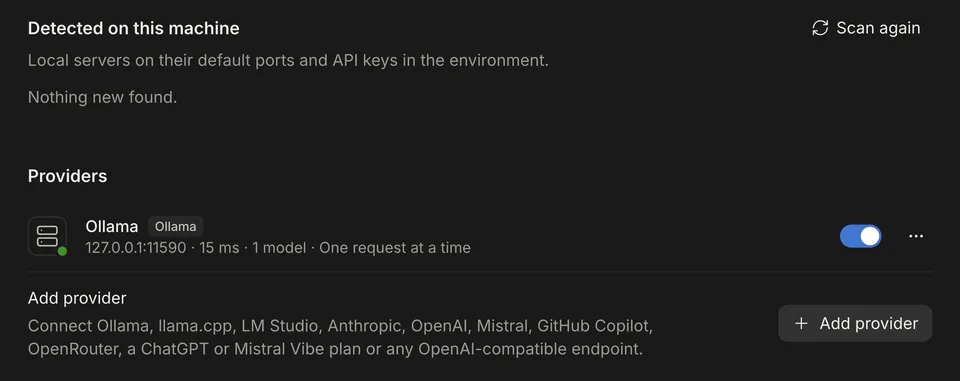
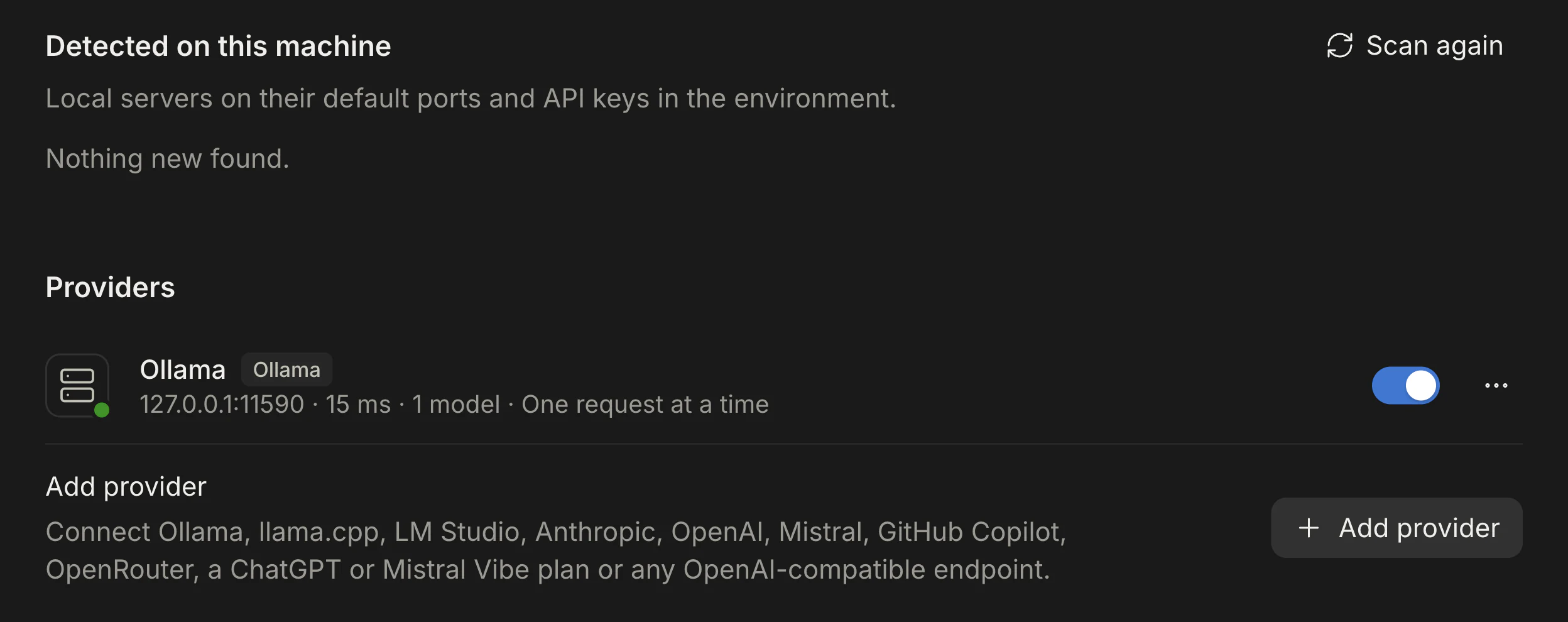
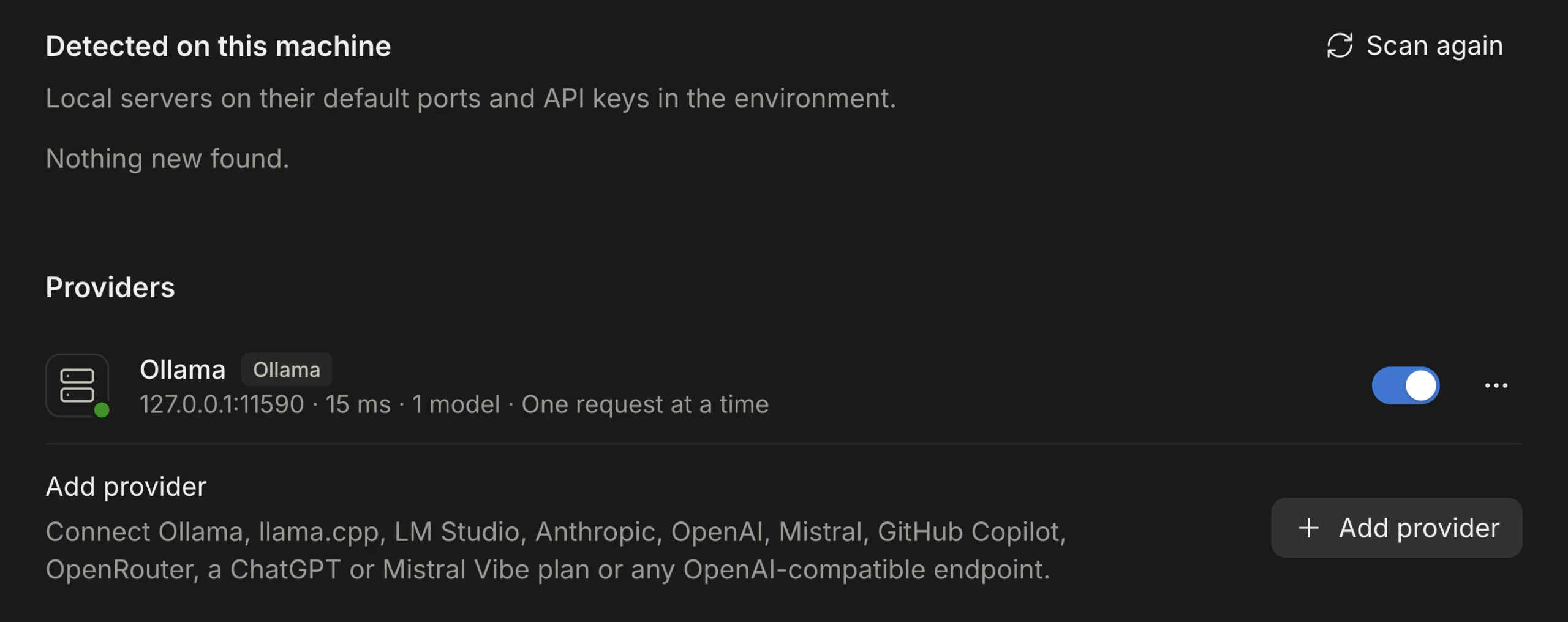
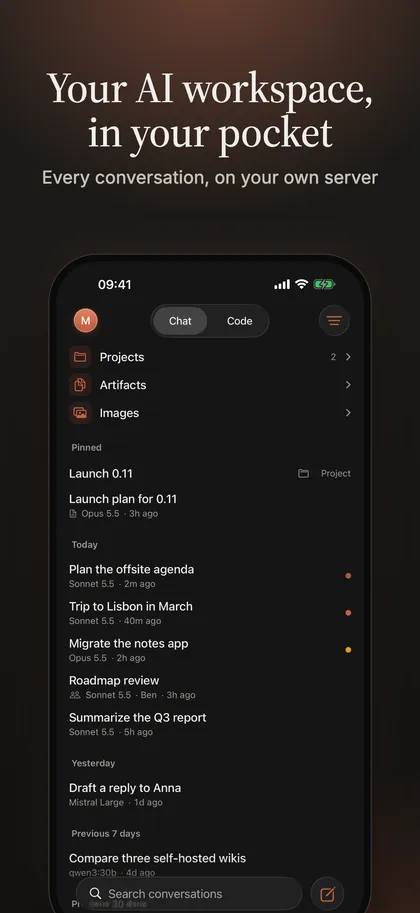
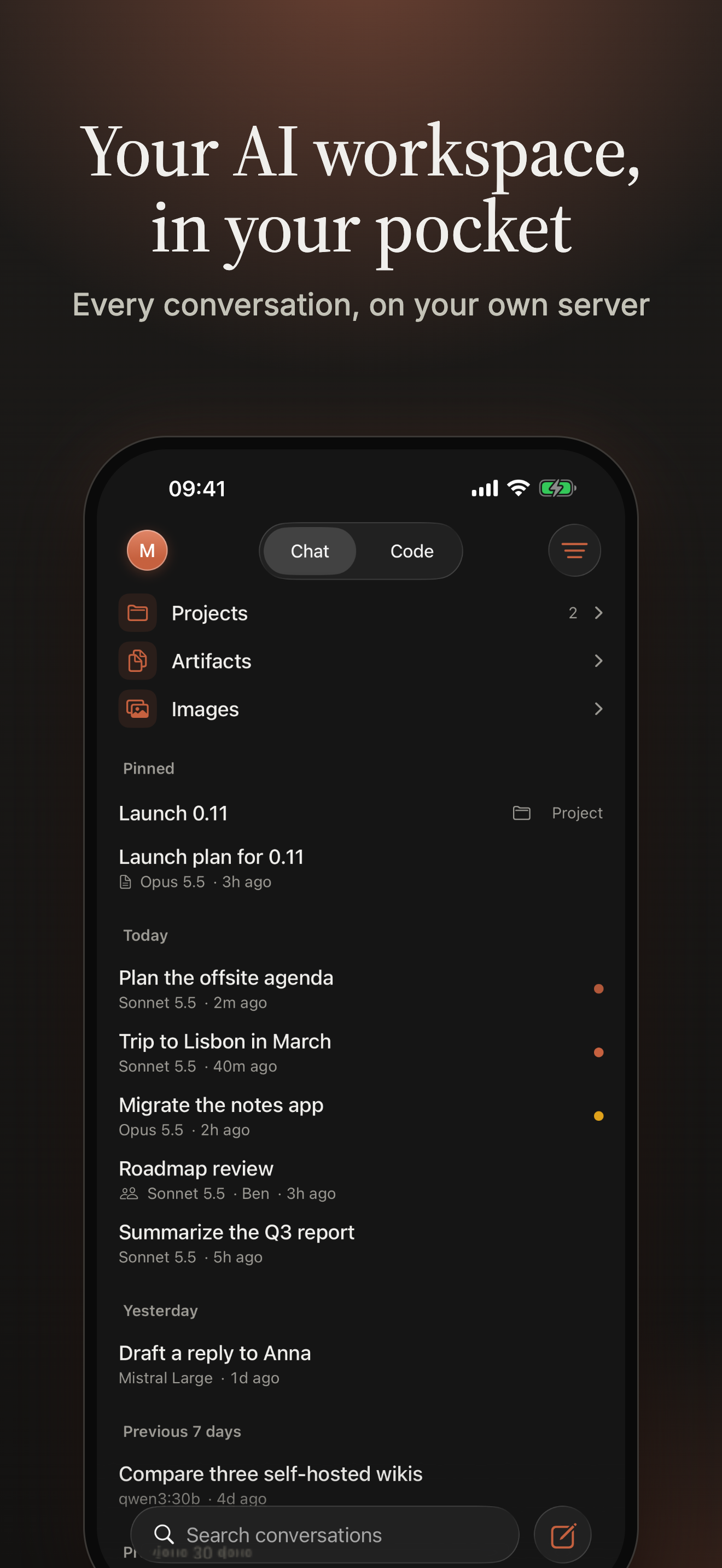
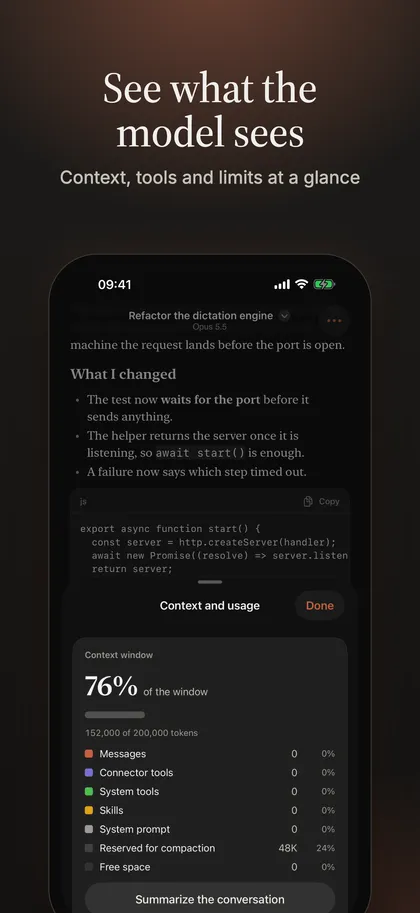
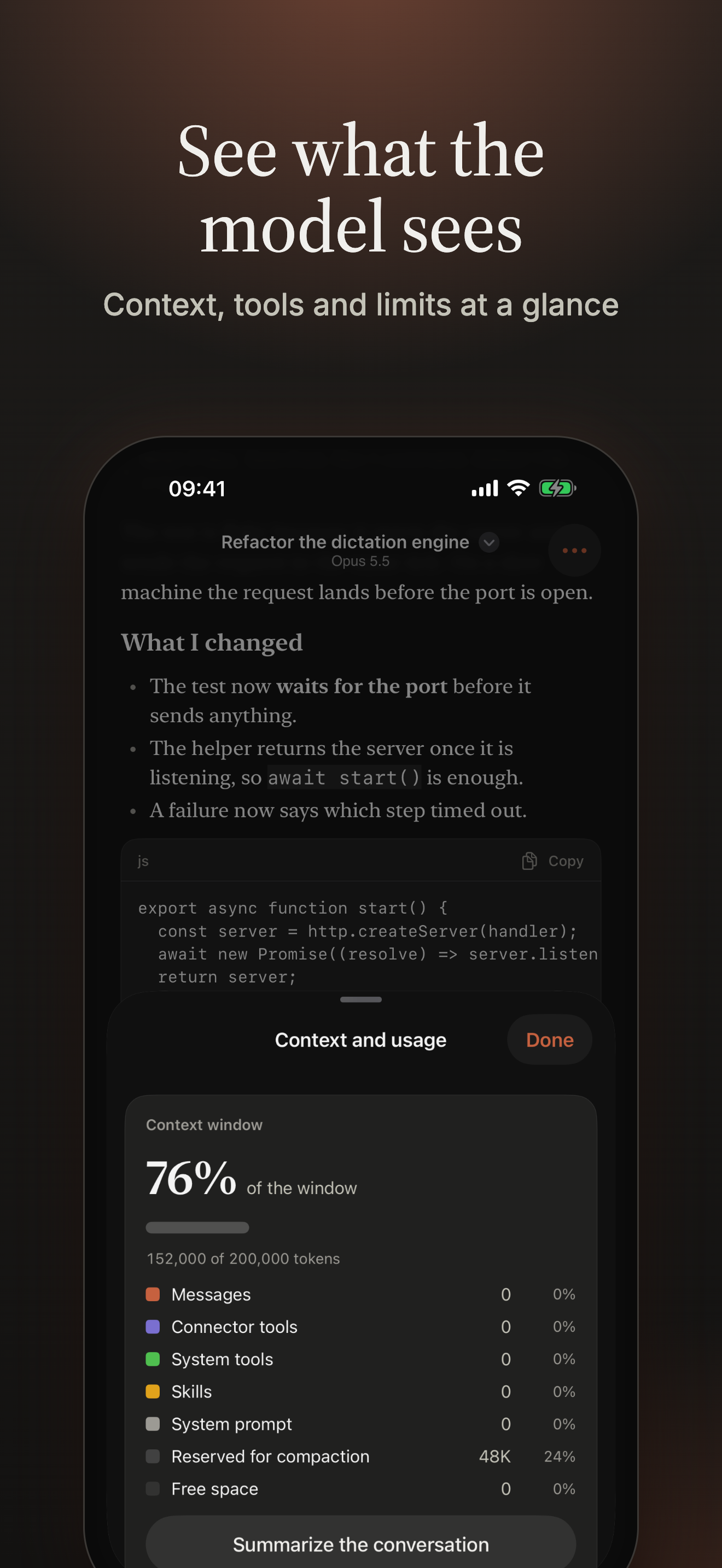
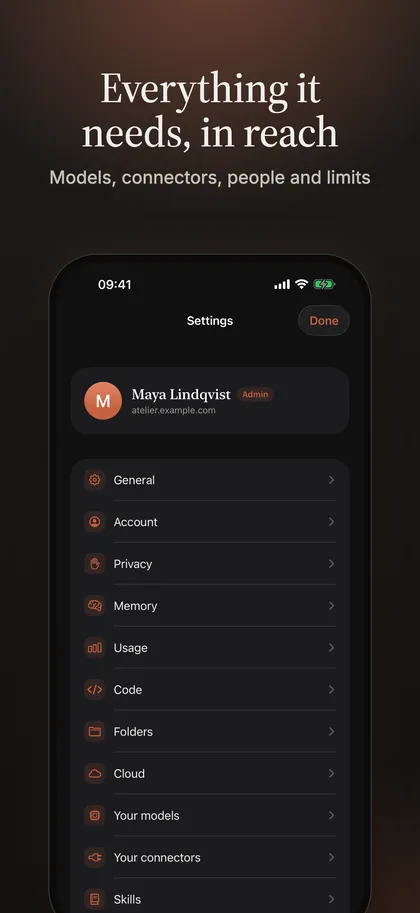
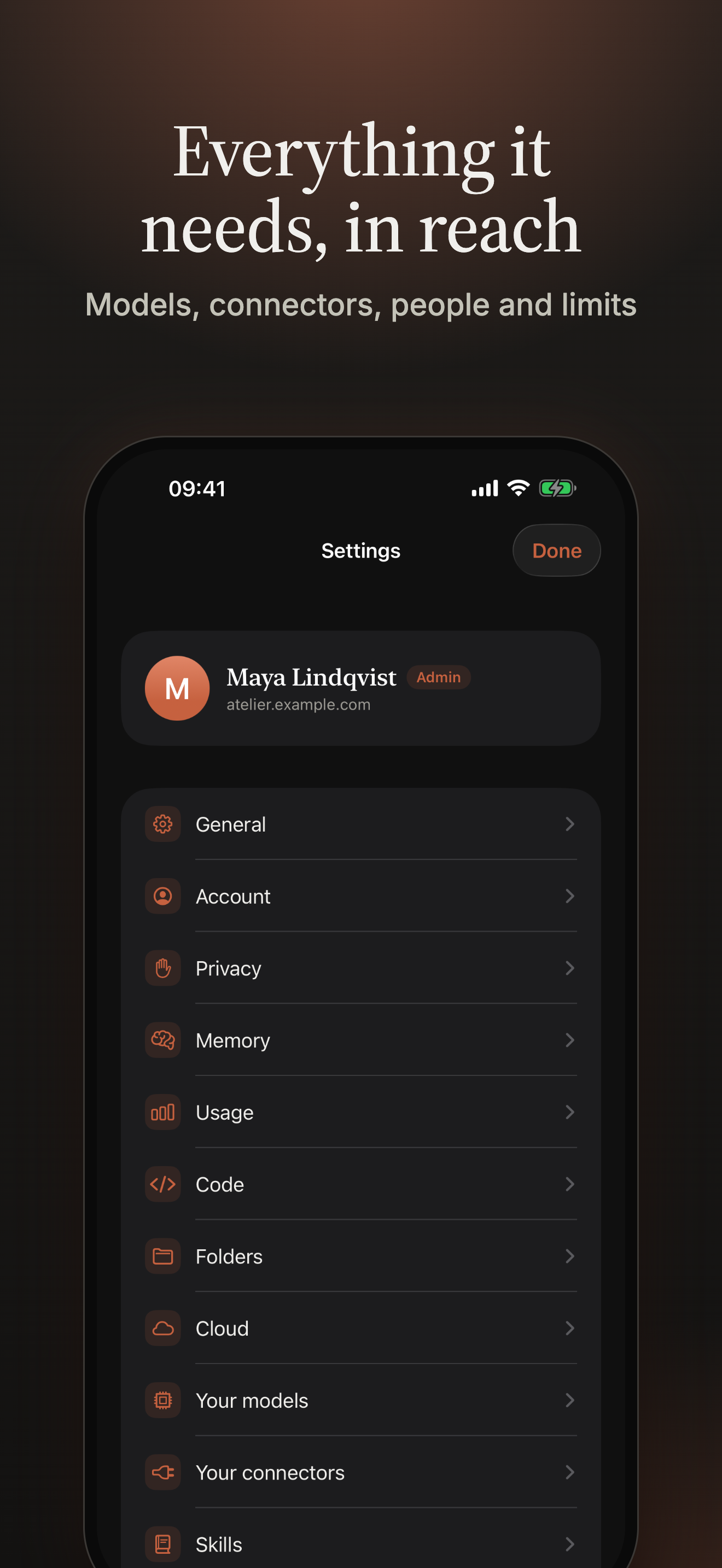
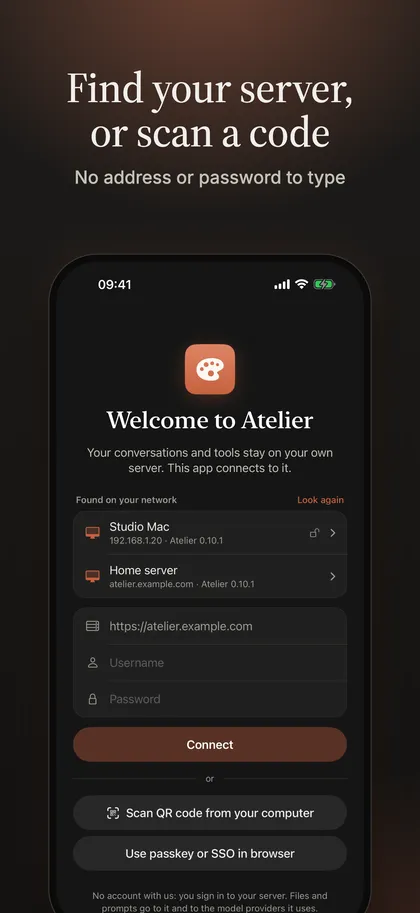
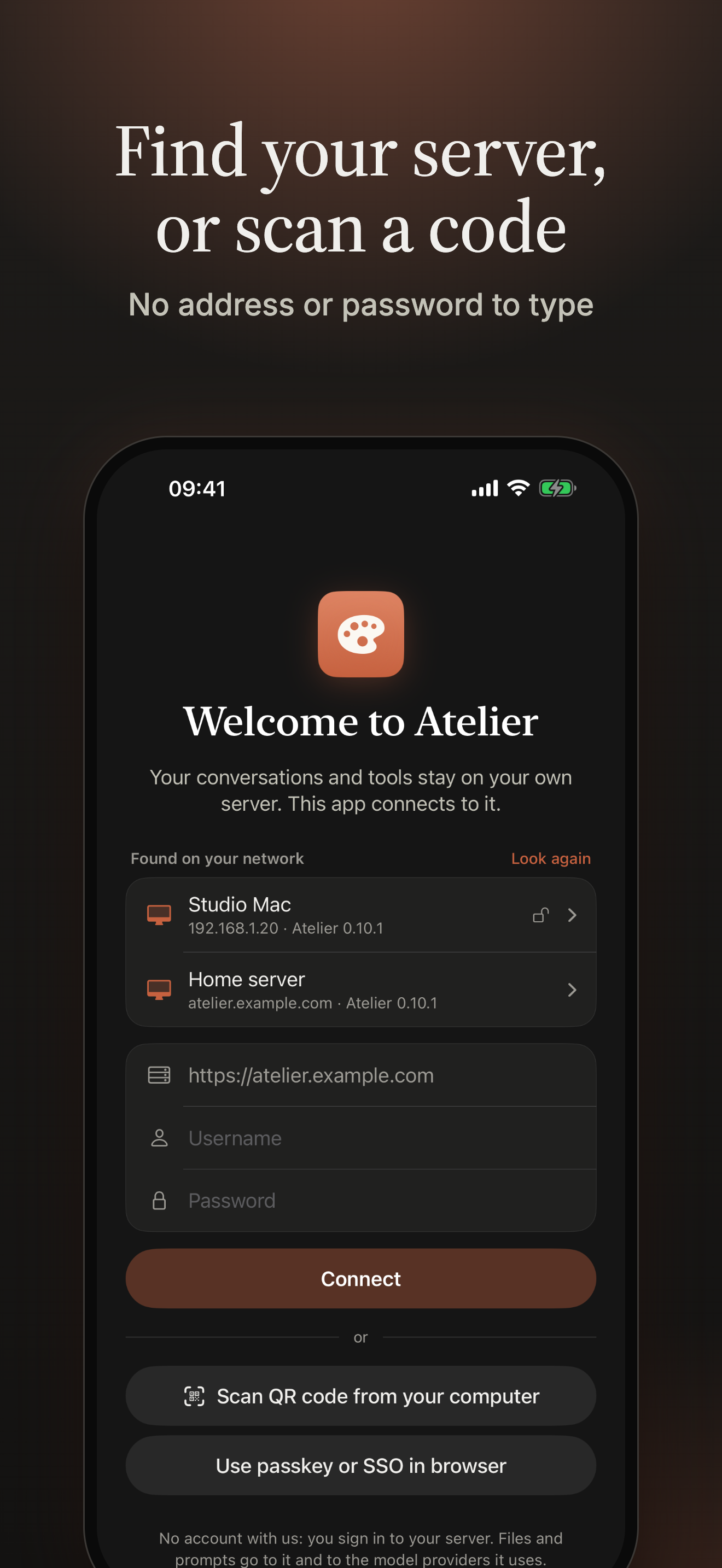
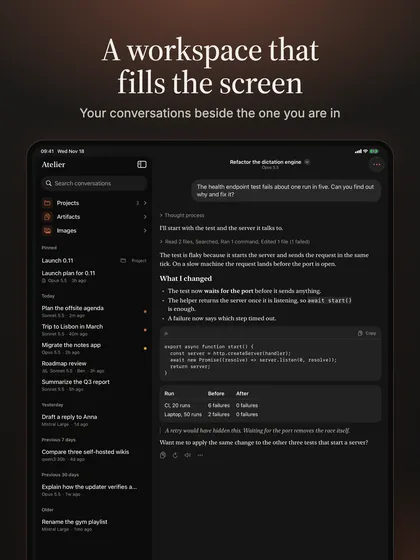
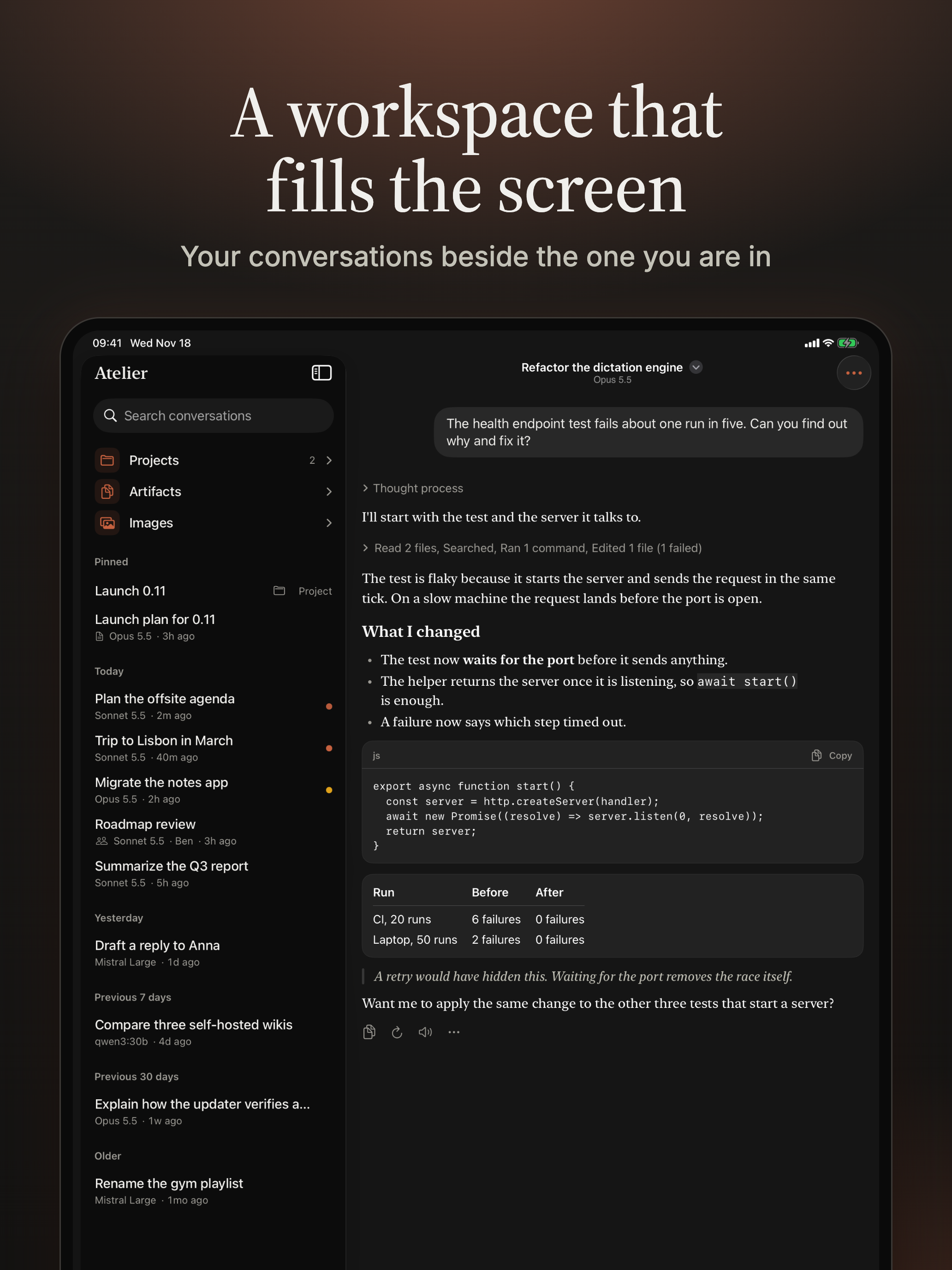
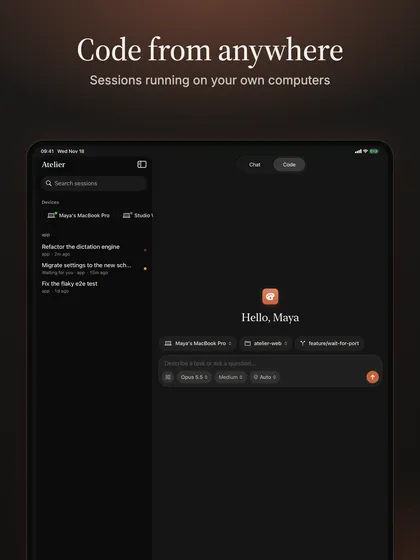
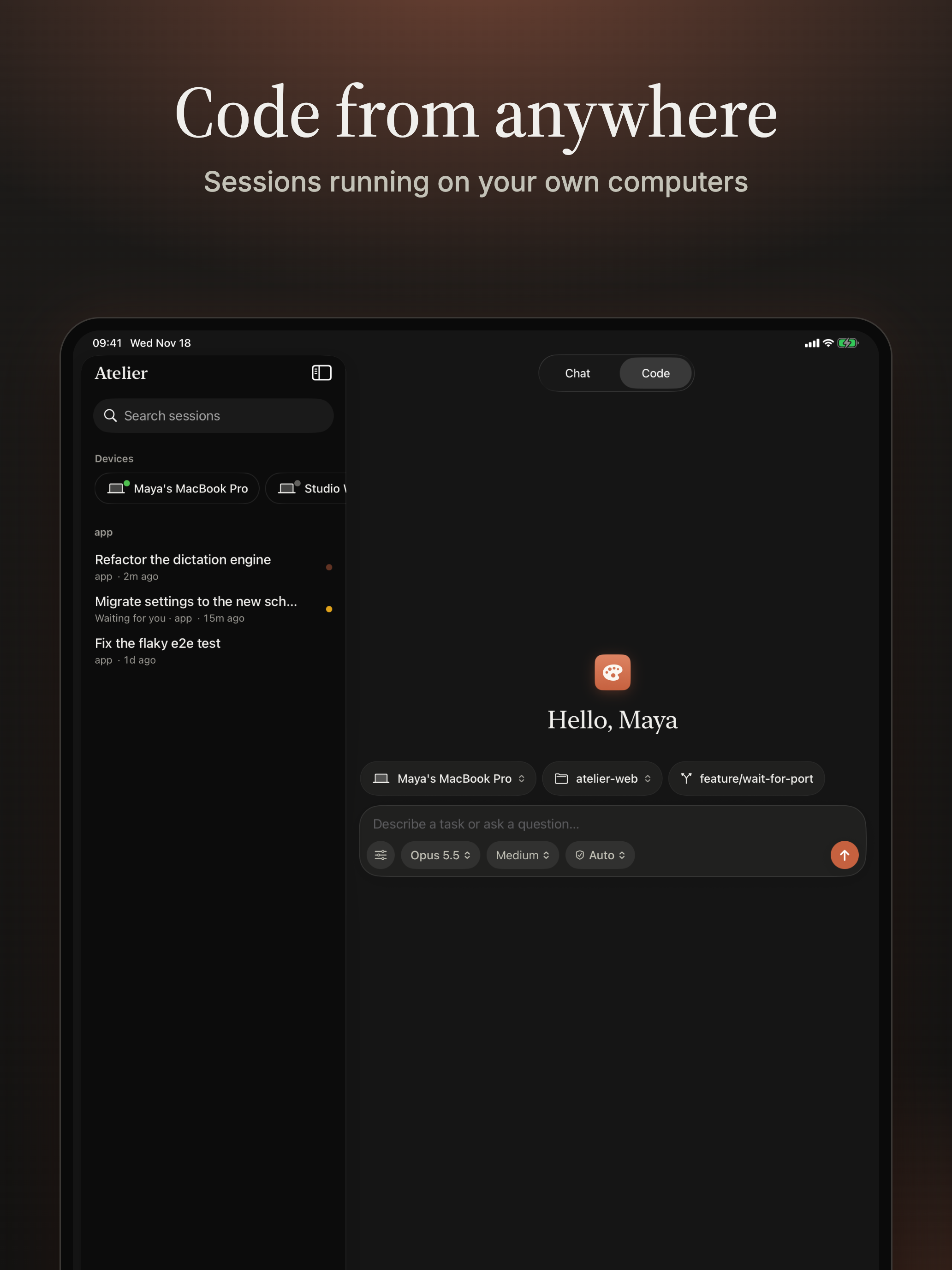
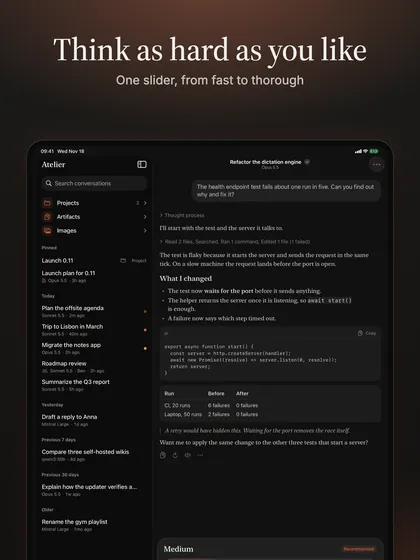
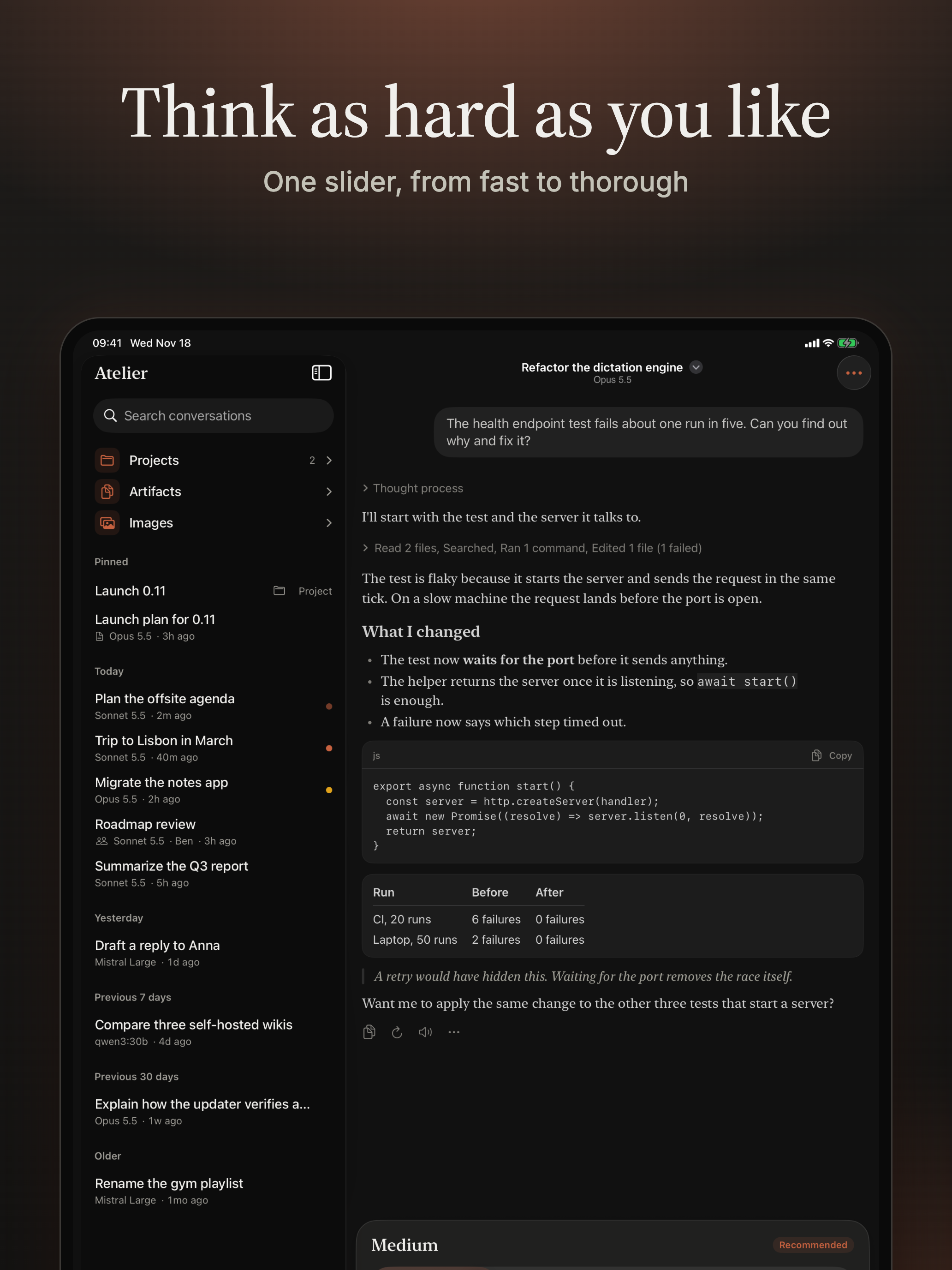
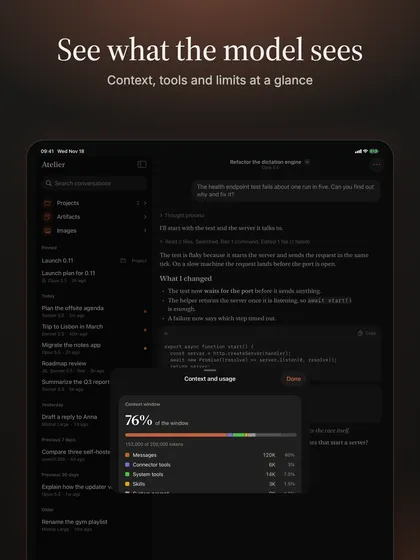
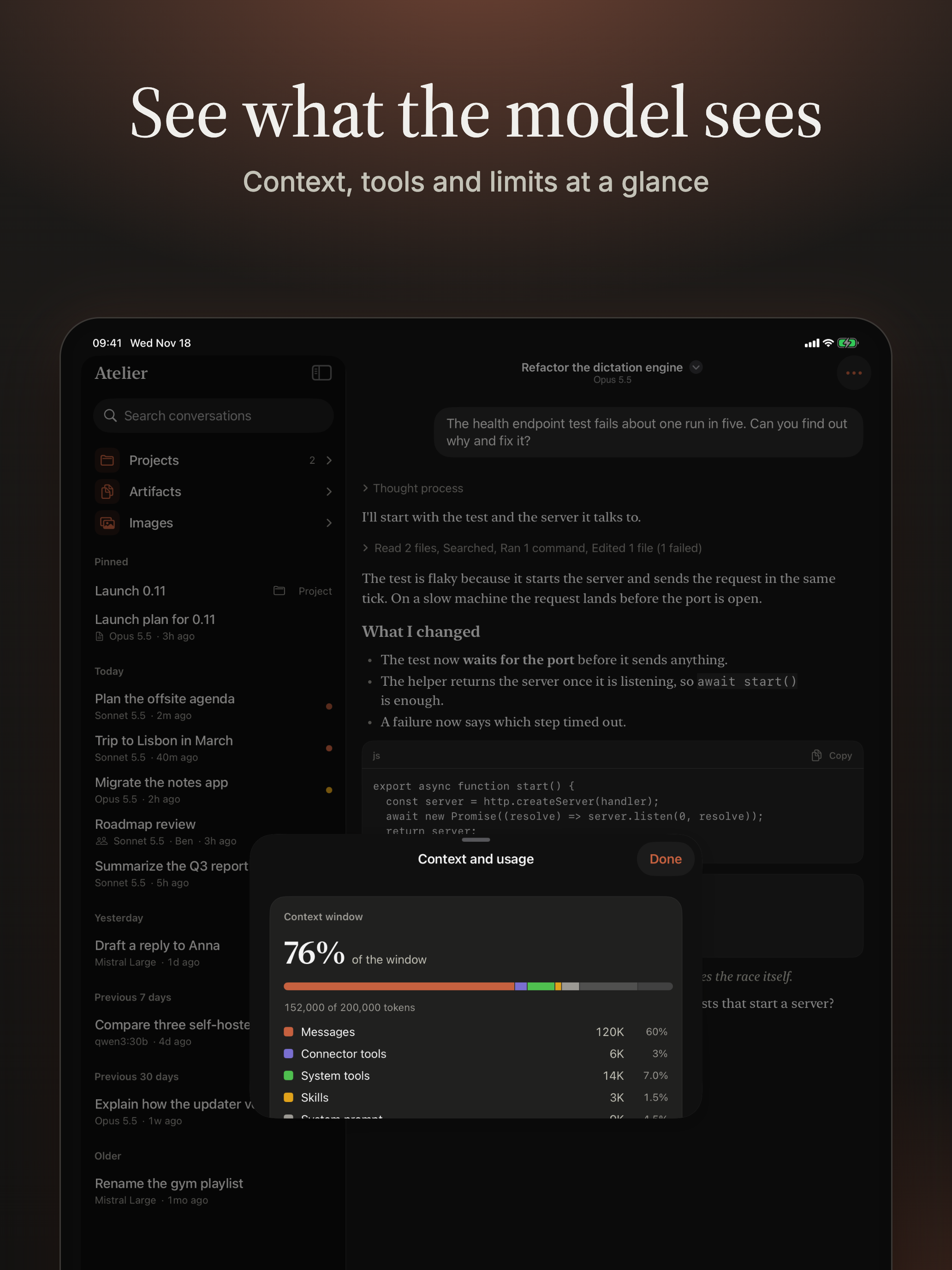
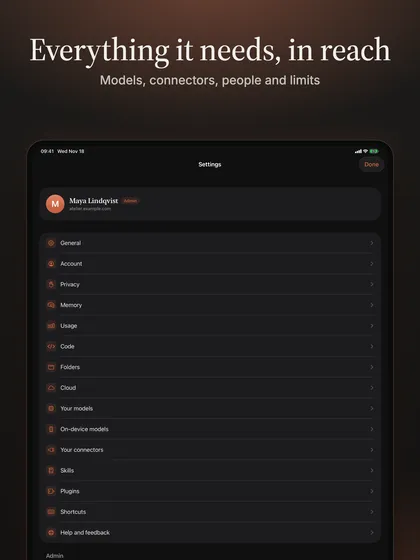
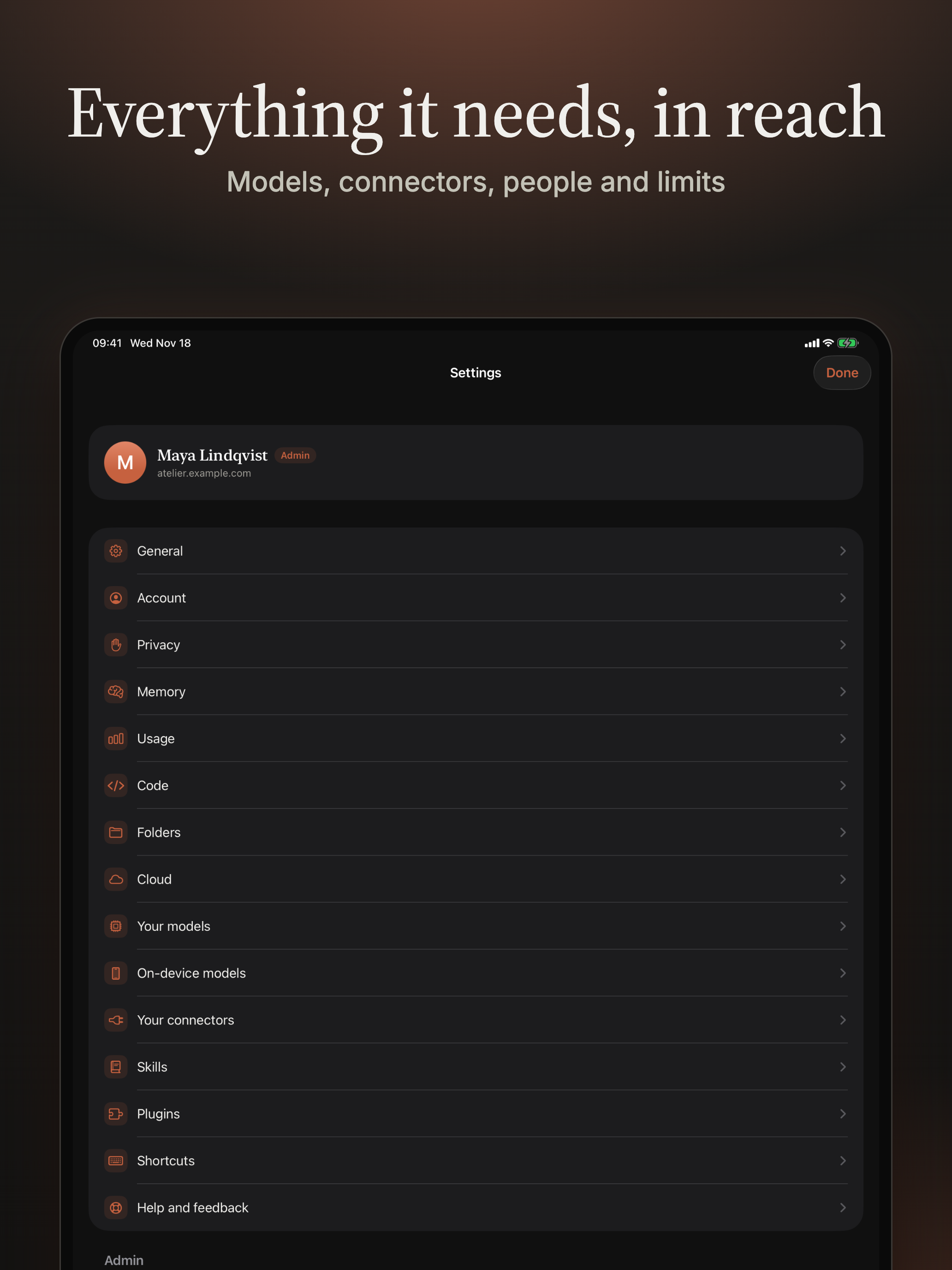
The real interface in dark mode, running against a scripted demo model, so there is nothing of anyone's in them. The desktop ones are 4K-class masters.
Desktop
iPhone
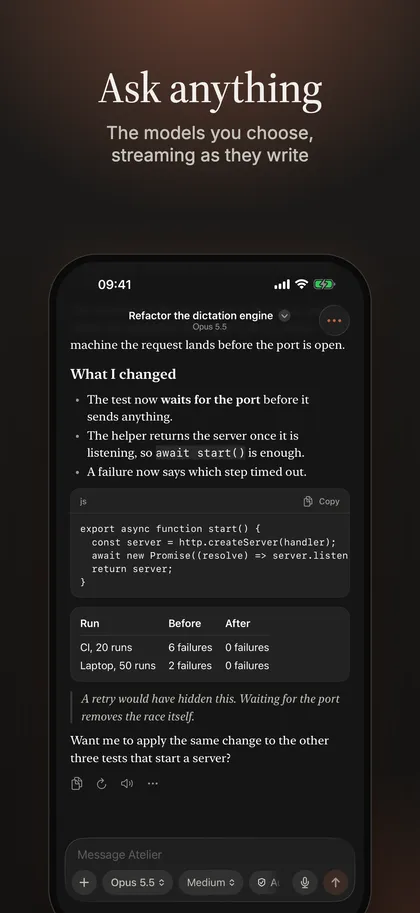
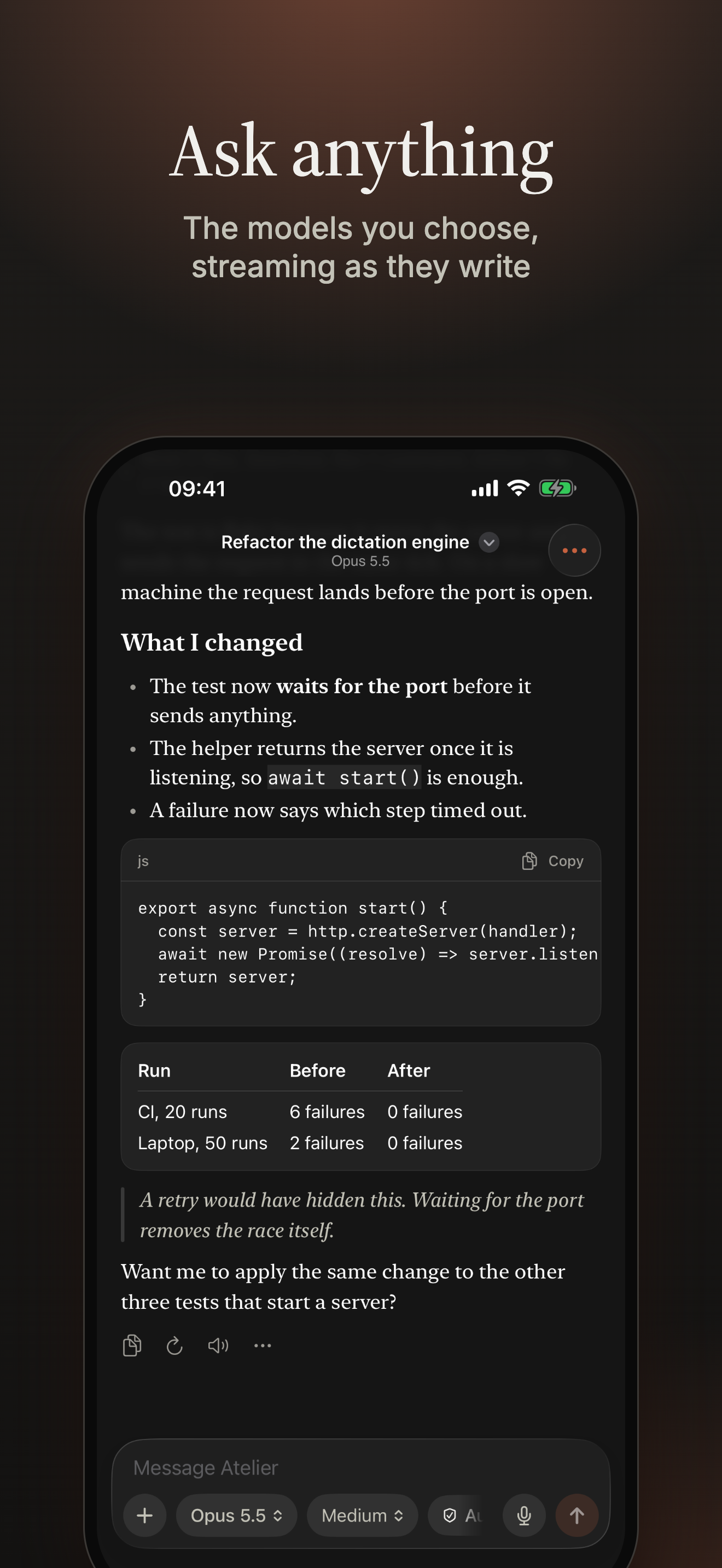
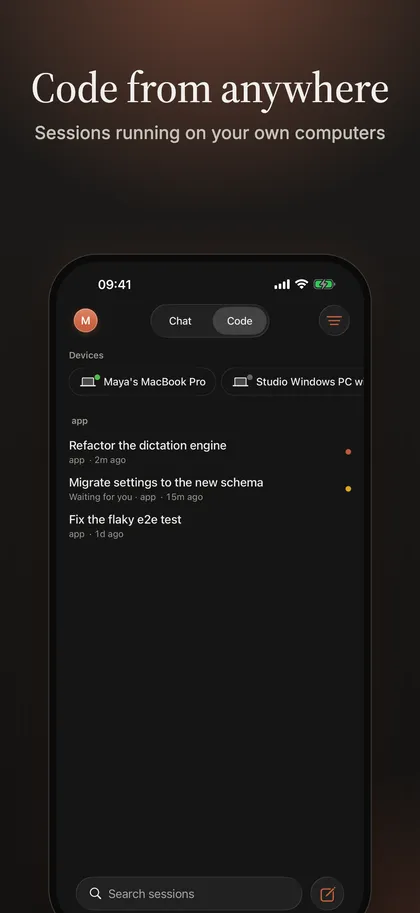
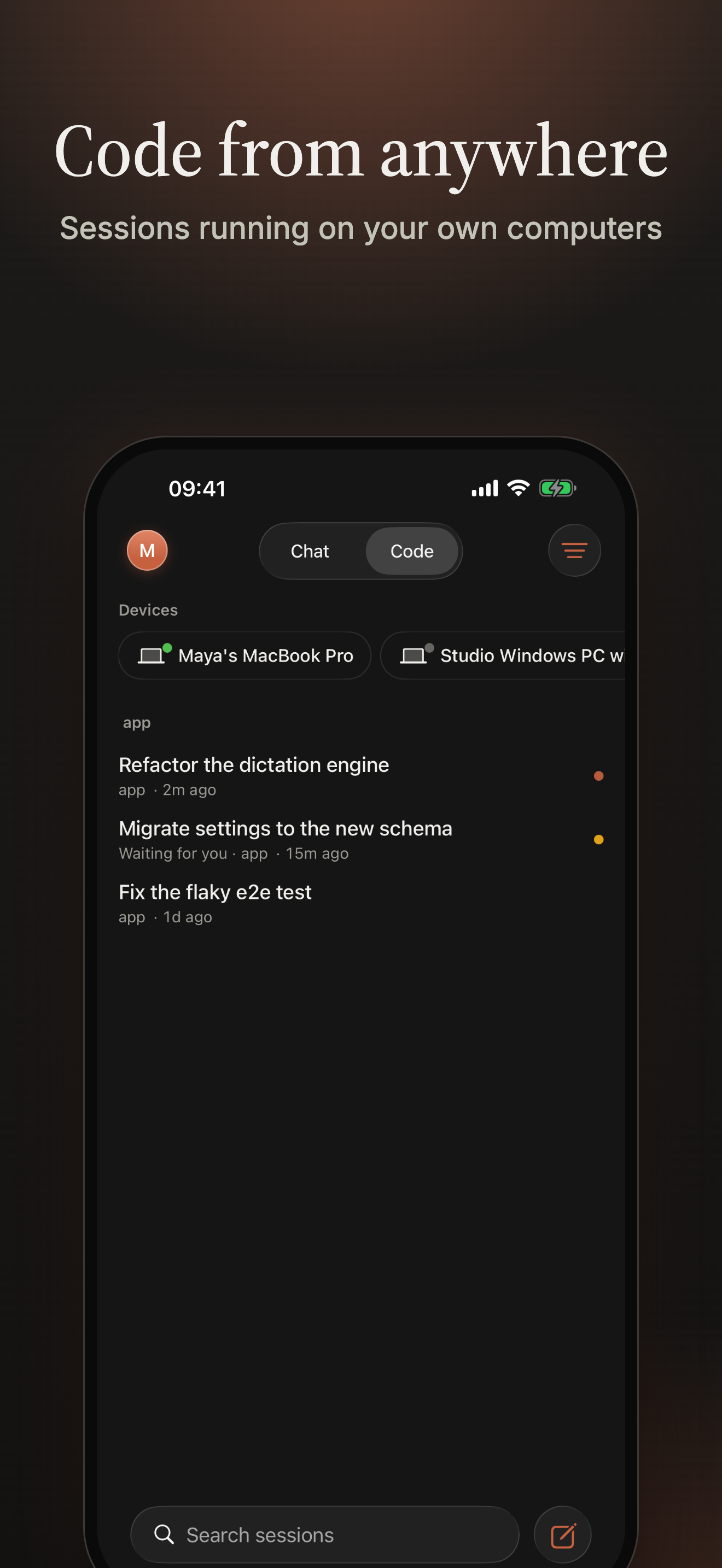
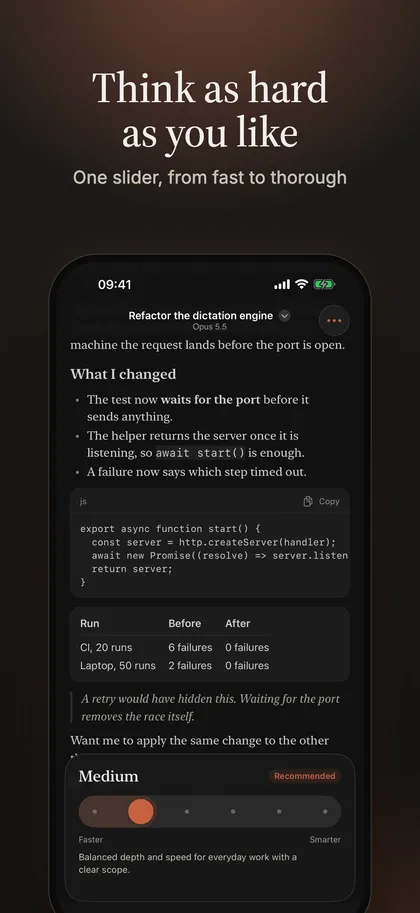
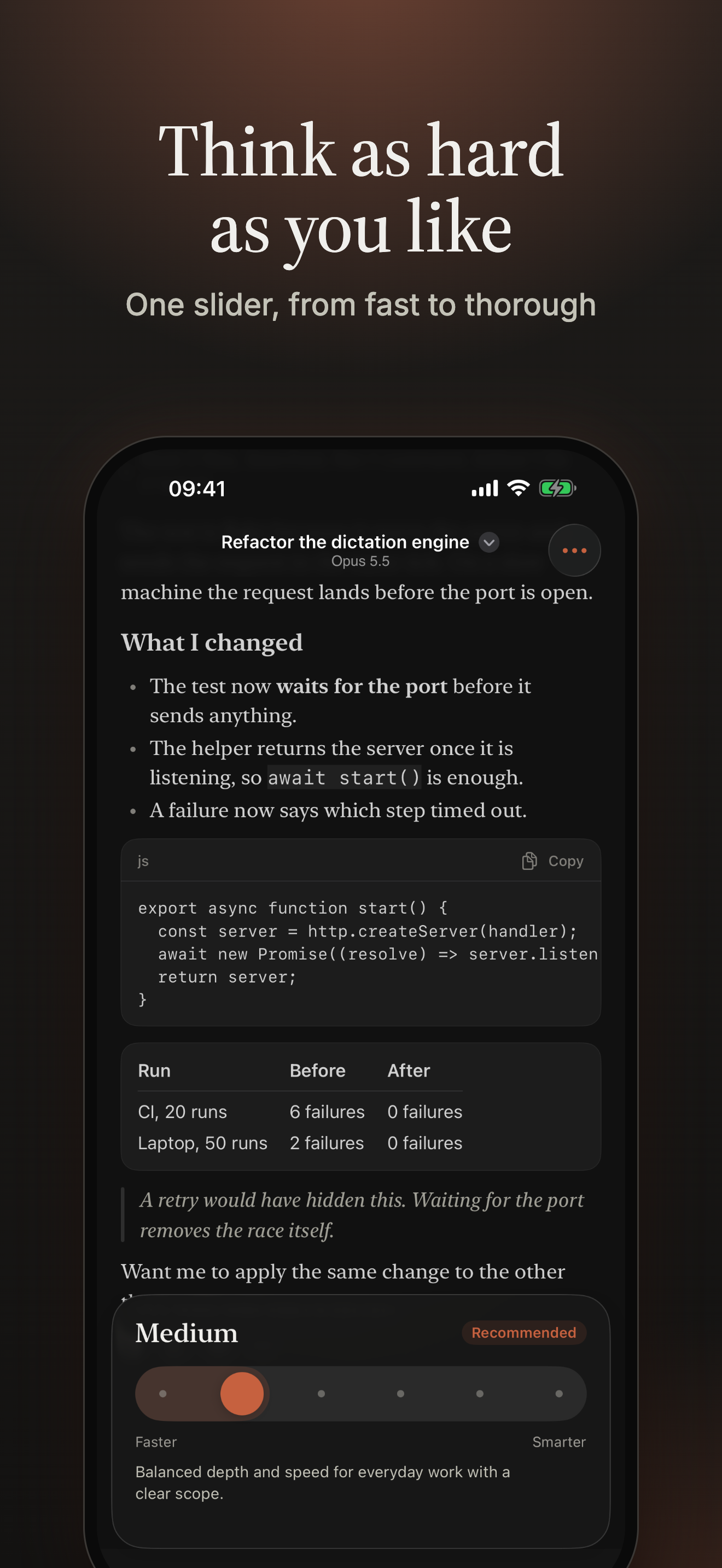
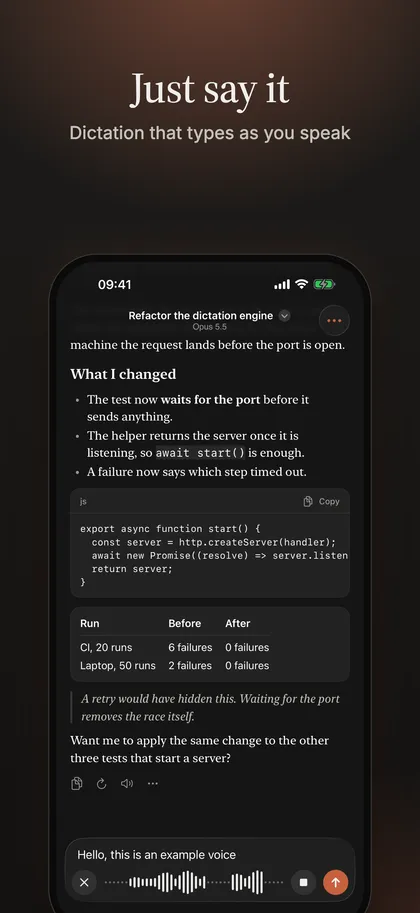
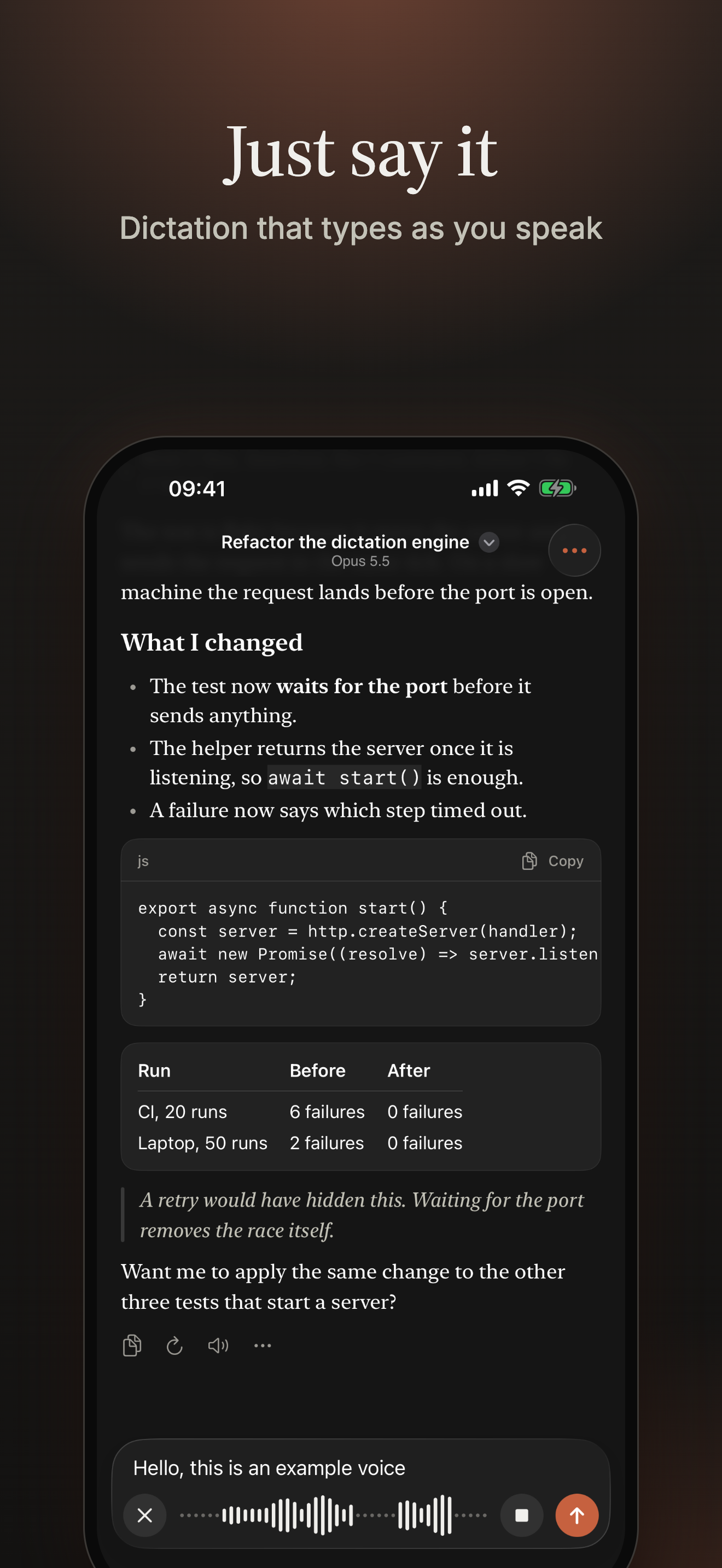
iPad
Pip
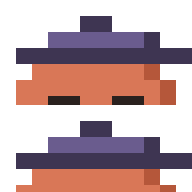
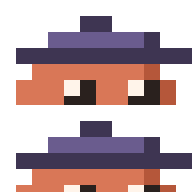
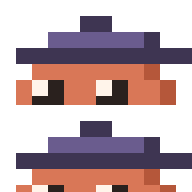
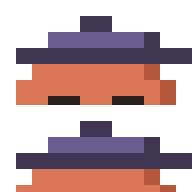
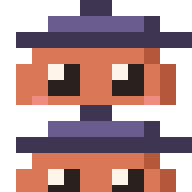
The terminal app's mascot: a little clay figure in a painter's beret, drawn on a 12 by 12 grid. The SVGs are pixel-exact; the PNGs are whole multiples of the grid (16, 64 and 128 times), so they stay sharp. Transparent.



















Colors and type
Paper, ink and clay, the same in the app and on the website. colors.json and colors.css have them as data.
Source Serif 4 titles
The AI workspace you already know how to use.
Inter the interface
Chat and Code on any model, local or hosted.
JetBrains Mono code
atelier --server https://atelier.example.com
The three are open source under the SIL Open Font License. The font files are in the brand download.
Words
What Atelier is, at four lengths, and the facts that stay the same. Copy, shorten or quote them.
Tagline
The AI workspace you already know how to use.
One line
Atelier is a self-hosted AI workspace with Chat and Code, on the model you choose.
Short (about 30 words)
Atelier is an AI workspace you run yourself. Chat and Code on any model, local or hosted, on your own machine or server, with your data staying with you and no telemetry.
Medium (about 75 words)
Atelier is a self-hosted AI workspace with two rooms: Chat, for conversations, projects, attachments and web search that cites its sources, and Code, for agentic sessions in your repositories, where you review the diff and decide what is committed. It works with local models (Ollama, llama.cpp, LM Studio) and hosted ones, comes as a desktop app for macOS, Windows and Linux and as a Docker server for a team, and sends no telemetry. It is source-available and free for noncommercial use.
Facts
- Name
- Atelier (a capital A, one word)
- What it is
- A self-hosted AI workspace: Chat and Code on any model, local or hosted
- Runs on
- macOS, Windows and Linux (desktop app), and Docker (server)
- License
- Source-available under PolyForm Noncommercial 1.0.0; free for noncommercial use
- Status
- Beta
- Made by
- TheOriUHD, an independent project
- Website
- https://atelierhq.dev
- Documentation
- https://docs.atelierhq.dev
Press and other questions: contact@atelierhq.dev
Using these
- You may use these files to write about, link to, review or show Atelier: articles, videos, talks, directories and social posts.
- Don't use them in a way that suggests Atelier endorses, sponsors or is part of another product, and don't change the logo (its colours, proportions or type) or make something that looks like it.
- Atelier is an independent project and is not affiliated with or endorsed by any model provider; please don't imply otherwise.
- The screenshots show the real interface running against a scripted demo model.
- The fonts are open source under the SIL Open Font License (OFL.txt in the fonts folder).
Do
- Use the files as they are, and the color logo on light or dark backgrounds that are plain.
- Keep clear space around the logo of half the tile's height, on every side.
- Use the black or white version on photographs, busy backgrounds and clay.
- Keep the logo at least 24 px high (the tile alone, 16 px).
- Write the name as Atelier, with a capital A, in one word.
Don't
- Recolour, stretch, rotate, outline or add shadows or effects to the logo.
- Redraw the palette or set the word in another typeface.
- Put the color logo on clay or on busy images: use the white one.
- Combine the logo with another mark, or build a new one from the palette.
- Suggest that Atelier endorses or is part of your product.
All downloads
The whole kit as one zip, or one part at a time.
- atelier-brand-kit.zipLogos, app icons, Pip, colours, fonts and the words: the brand without the big pictures1.7 MB
- atelier-logos.zipEvery logo, SVG and PNG1.1 MB
- atelier-app-icons.zipApp icons, .ico, .icns, favicons0.4 MB
- atelier-banners.zipBanners and wallpapers, light, dark and clay10.4 MB
- atelier-screenshots.zipDesktop, iPhone and iPad screenshots14.4 MB
- atelier-pip.zipPip, the mascot0.0 MB
- atelier-colors-and-fonts.zipColours, fonts and the words0.2 MB